
Guests and hosts
How the Live feed works
Live is the event’s shared timeline. Approved photos and guestbook messages appear together, so you can follow what people are sharing without jumping between sections.
On this page
Follow the event as it happens
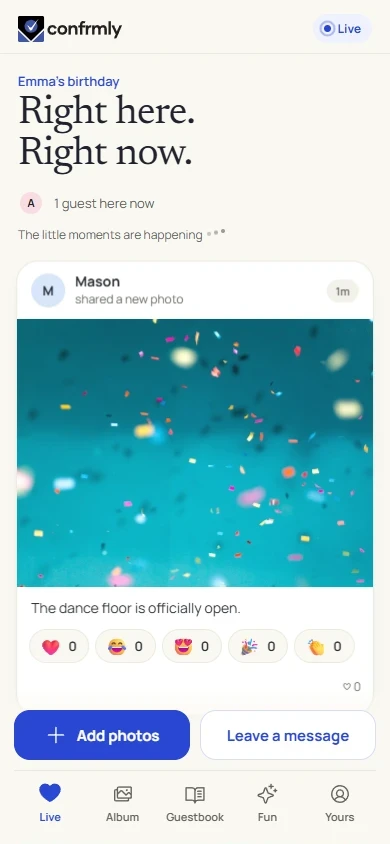
Open Live from the bottom navigation. Photo cards show who shared the photo, a relative time, any caption, reactions and a link to its comments. Guestbook notes appear as message cards in the same timeline.
The online indicator describes people connected now. It is not a count of everyone who has ever joined the event.
When new moments arrive
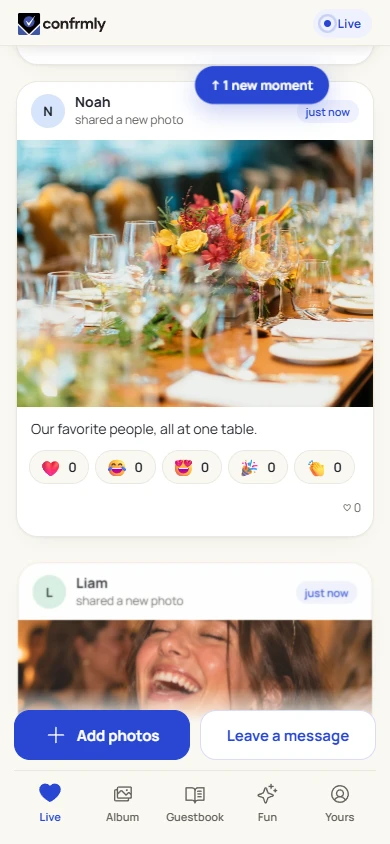
When you are near the top of Live, newly available moments can appear automatically. If you have scrolled down to read earlier posts, new items wait behind the new-moments button. Tap it when you are ready to see them.
This keeps your place while you read. A photo approved later can arrive as a new moment even if it was originally taken earlier.
Host removals apply immediately. An item that is hidden or removed does not stay visible until you tap the new-moments button.
React to a photo or open its comments
Your album nickname identifies your contributions. You do not need to enter a new name for every reaction or comment.
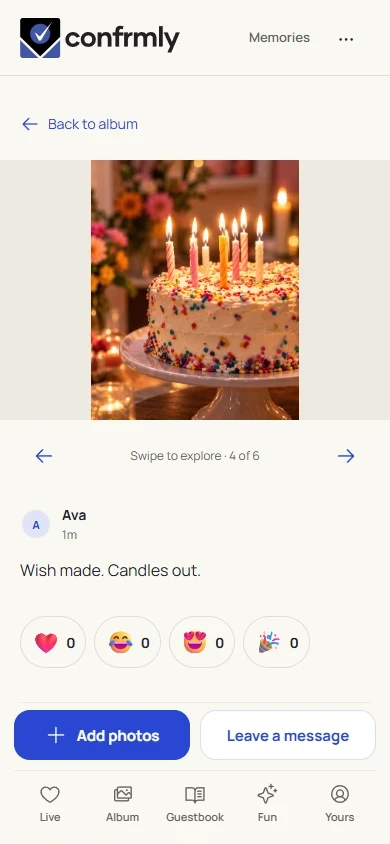
- Tap a reaction below a photo. The selected state and count update after your action.
- Tap the photo or its comment control to open the photo detail.
- Read the conversation and add a comment when contributions are open.
- Return to Live or Album using the event navigation.
Why a moment may not be visible yet
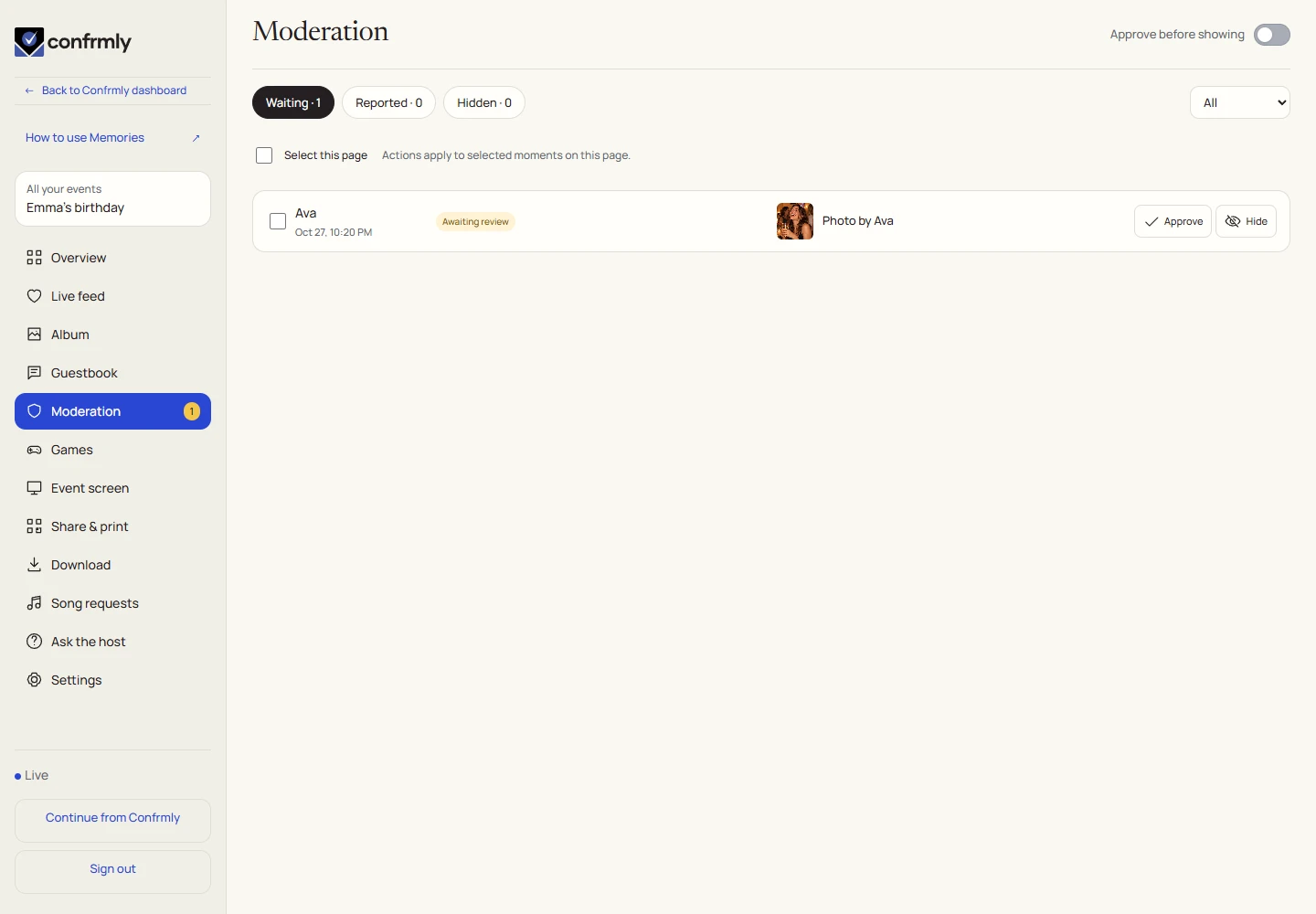
If the host enables approval, contributions can be received while still waiting for review. They become shared event content after approval. Received, approved and visible are different steps.
The host can review photos, guestbook notes, comments and reports in Moderation. An item can be approved, hidden or removed according to the controls for that contribution.
Live or Album?
A photo is the same shared moment in both places. Commenting from its detail does not create a second copy.
| Live | Album |
|---|---|
| A timeline of photos and notes | A collection of photos |
| Good for following the current event | Good for browsing pictures |
| Reactions and links to comments on photo cards | Open a photo for its detail and discussion |
| Game invitations can appear alongside activity | All and Favorites help browse the photo collection |
If the feed seems quiet
- Check that your phone is online and still in the correct event.
- Look for a new-moments button if you have been reading farther down.
- If your contribution is pending, allow time for the host to review it.
- Use an offered retry or reconnect action if the browser reports a connection problem. Avoid submitting the same photo repeatedly.
Screenshots show an example event with fictional names, answers and results. Your event’s content and scores will be different.