
Host setup · Guest play
Guess the Place
Share a photo from a trip, celebration or favorite spot and ask guests where it happened.
On this page
Before you start
- One photo per round, the correct location and plausible alternatives.
Create the game
- Open the photo game packs and choose Guess the Place. In a custom draft, you can also select Guess the Place in the round’s Game type settings.
- Upload a photo or choose an approved album photo. Write a question such as Where did we celebrate this birthday?
- Add the possible places and select the correct one. Set the timer and save the round.
- Finish each round before selecting Ready to play.
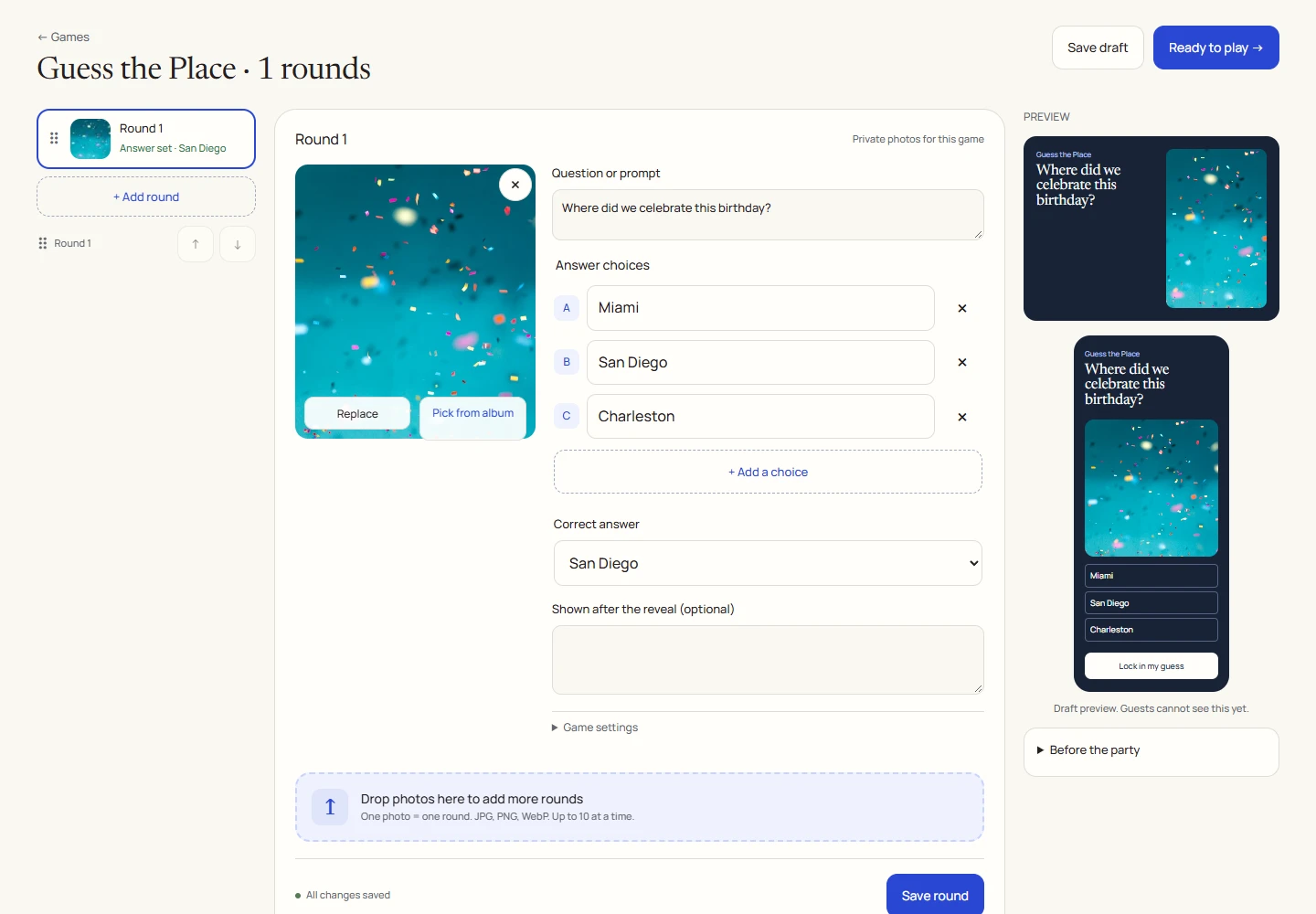
An example round
Play on your phone
- Join the game and look at the photo.
- Tap a location and lock in your answer before the countdown ends.
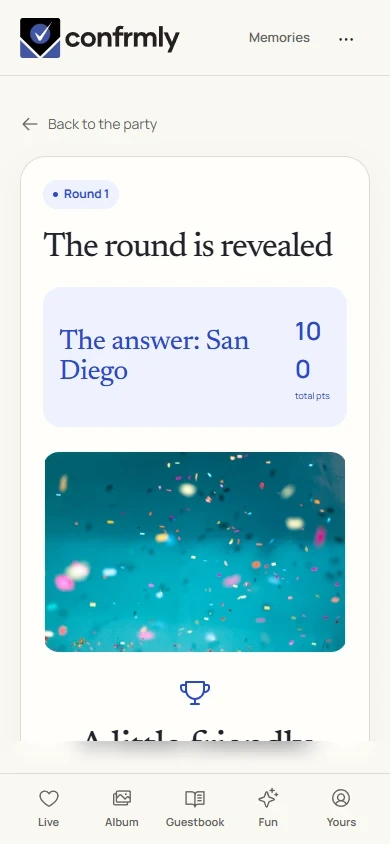
- At reveal, the correct place appears with the photo.
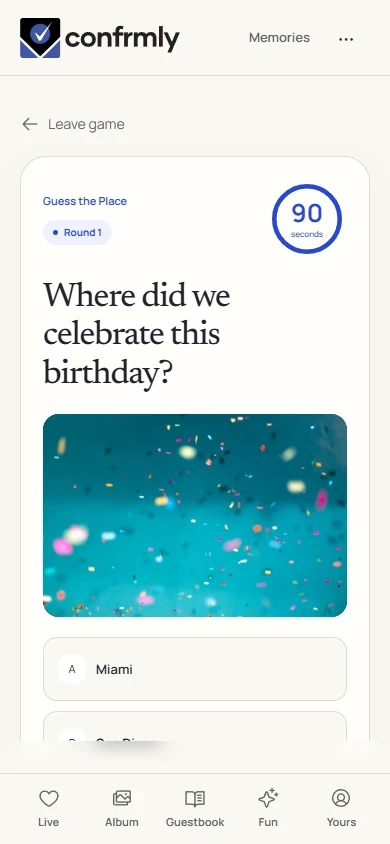
Reveal, scores and results
A correct location earns 100 points; an incorrect or missing answer earns 0.
The host supplies the answer key. The game does not identify locations from a photo automatically.
Show it to the room
Open the Event screen from the host workspace and choose Follow the party. The display follows the game’s lobby, active round, reveal and results. Keep the host’s private controls on a separate screen.
Use Reveal answer to show the round outcome, then Show results for the standings. Continue with Next round. Finish game ends a completed game and shows final standings.
If you get stuck
- A photo pack is a starting point. Its empty photos and personal answer choices still need completing.
- If a photo is absent from Pick from album, check that it is approved.
- Avoid choices that are all technically correct, such as a city and the state containing it.
Screenshots show an example event with fictional names, answers and results. Your event’s content and scores will be different.