
Hosts choosing a game
Choose a game for your event
Some games need a quick guess. Others need a caption, a vote or a photo mission. Choose a game below, then follow its full setup and play guide.
On this page
Start with the kind of moment you want
Open Games in the host workspace. Use Create a game for a game type, choose a ready-made pack or start a named custom game with Build a game. A draft can contain multiple rounds.
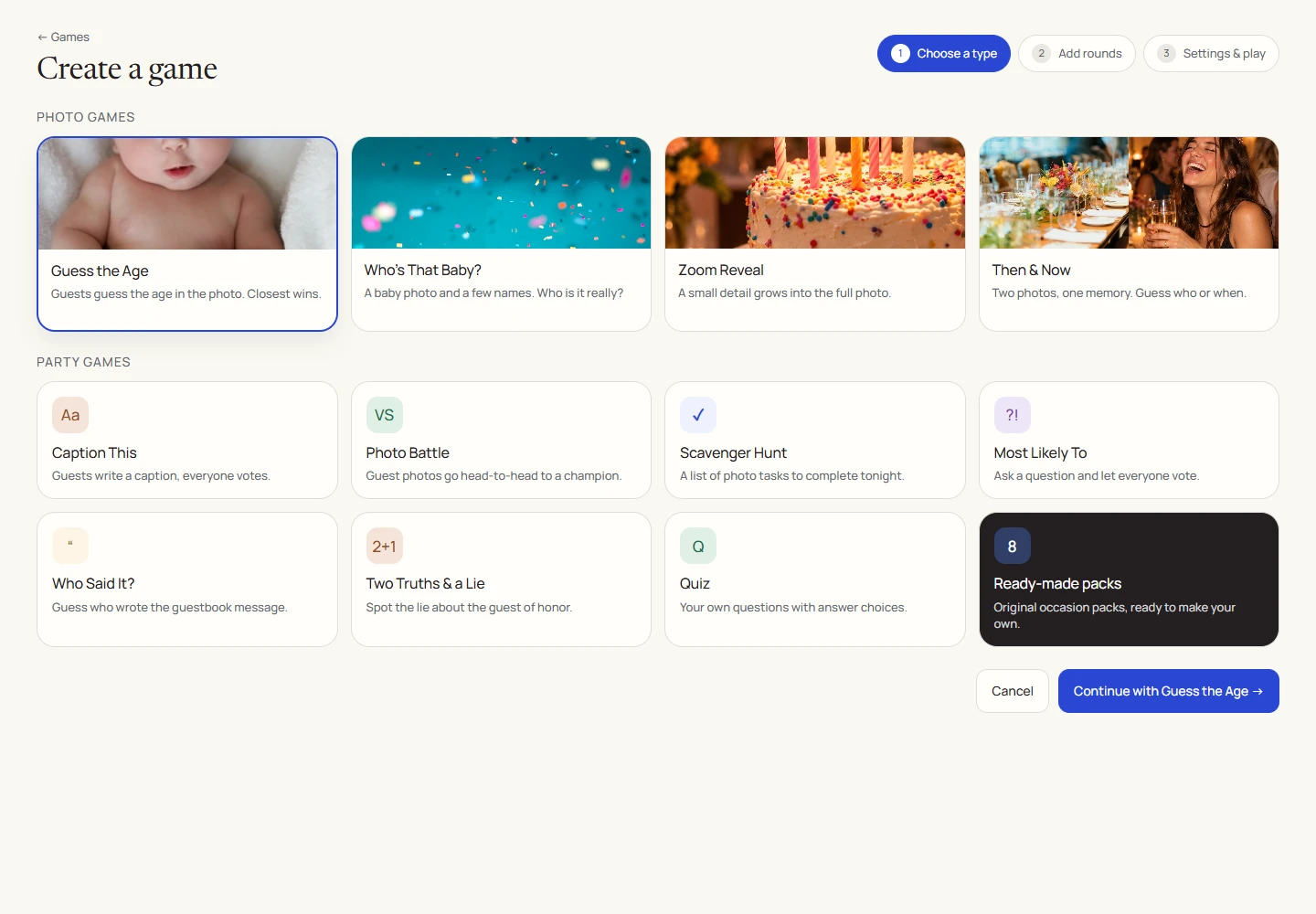
What each game needs
| Game | Prepare this |
|---|---|
| Quiz | A question with 2 to 8 answer choices. |
| Guess the Age | One photo per round and the person’s real age in that photo. |
| Who’s That Baby? | A baby photo you have permission to use. |
| Guess the Place | One photo per round, the correct location and plausible alternatives. |
| Zoom Reveal | 2 to 5 prepared frames of the same subject, ordered from a close crop to the full picture. |
| Then & Now | Two photos for each round, usually an older photo and a recent one. |
| Most Likely To | A prompt and 2 to 6 distinct candidate names. |
| Caption This | One photo and a prompt. |
| Photo Battle | At least two approved album photos. |
| Photo Scavenger Hunt | 3 to 10 short photo tasks. |
| Who Said It? | An approved guestbook message. |
| Two Truths & a Lie | Exactly three statements: two true and one false. |
Ready-made questions or a prize draw
The original occasion packs give you a set of questions to copy into a game. Four have ready answer keys; four need personal answers from you. Photo packs provide a starting structure that still needs your photos and choices.
A raffle is a separate prize draw. It uses eligible entries and winning tickets rather than quiz points.
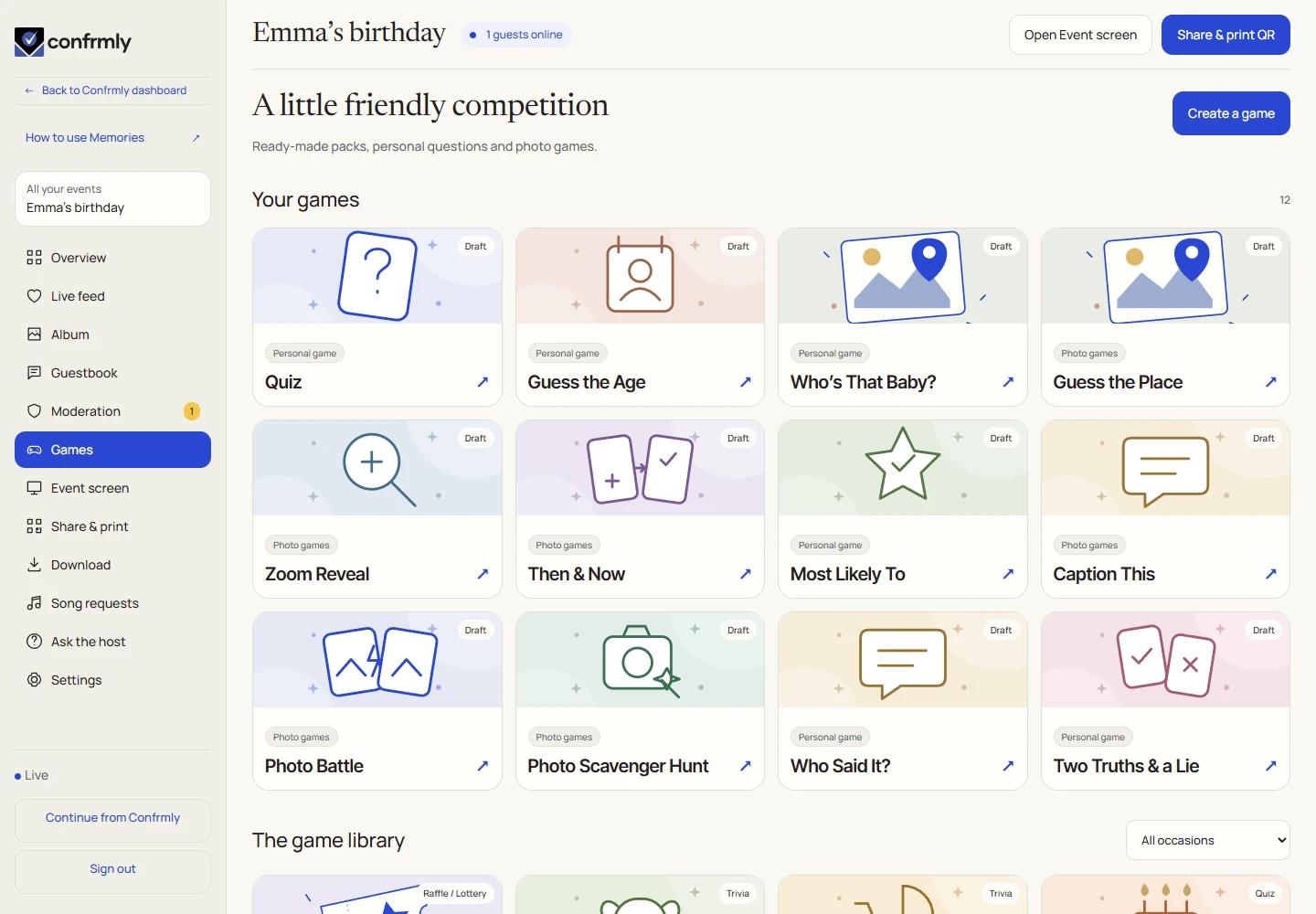
Run your first live game
- Prepare and save all rounds, then make the game ready.
- Select Announce game so guests can join the lobby.
- Open the first round, follow responses, reveal the answer and show results.
- Continue through the rounds and finish the game for final standings.
Screenshots show an example event with fictional names, answers and results. Your event’s content and scores will be different.