
Host setup · Guest play
Who’s That Baby?
Put a baby photo on screen and ask everyone to match that tiny face to a familiar name.
On this page
Before you start
- A baby photo you have permission to use.
- A list of possible names and the correct person.
Create the game
- Select Create a game, then Who’s That Baby? The builder uses a photo-choice round for this game.
- Add the baby photo, write the question and replace the answer choices with the names you want guests to see.
- Select the correct person, set the answer time and save the round. Add another round for each baby photo.
- Check the phone and Event screen previews, then select Ready to play.
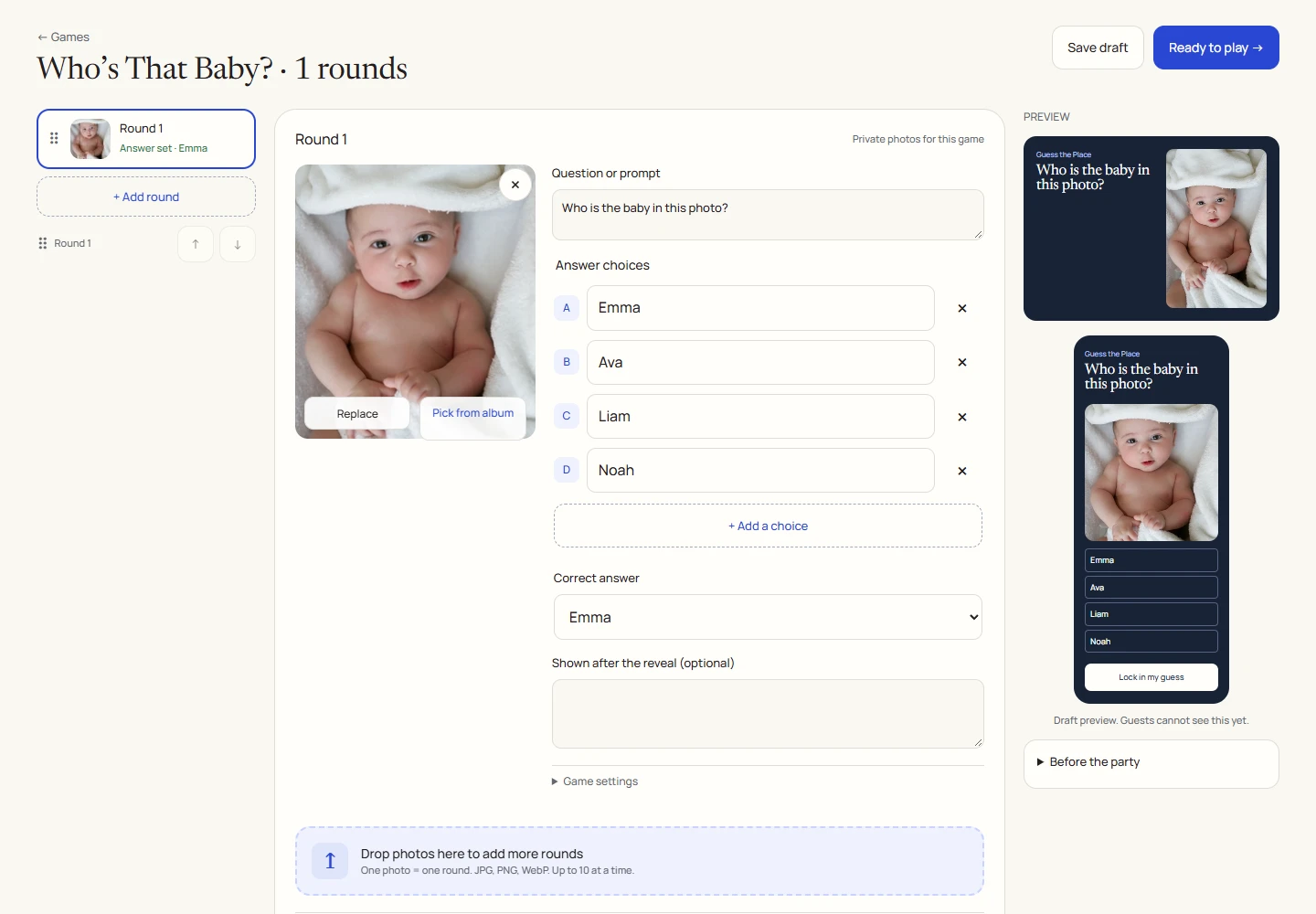
An example round
Play on your phone
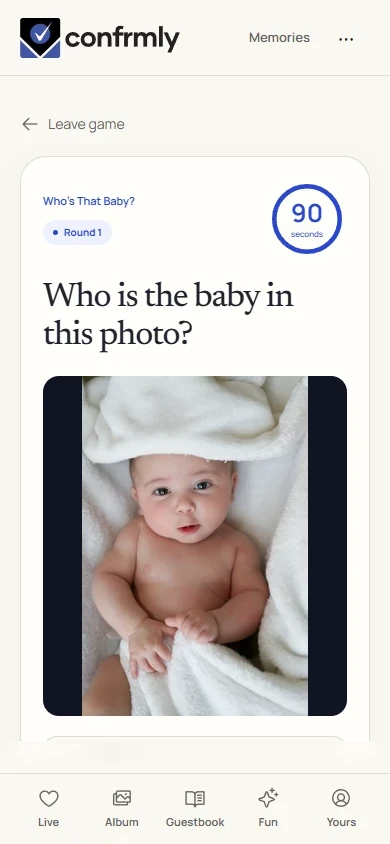
- Join the announced game.
- Look closely at the photo, tap a name and select Lock in my answer.
- Wait for reveal to find out who the baby grew up to be.
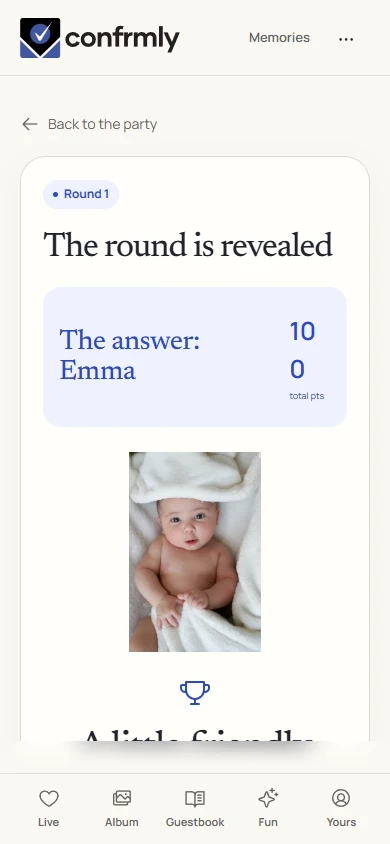
Reveal, scores and results
A correct name earns 100 points. A wrong or missing answer earns 0.
Reveal shows the correct name; results show cumulative standings. The host can add a short after-reveal note for the story behind the photo.
Show it to the room
Open the Event screen from the host workspace and choose Follow the party. The display follows the game’s lobby, active round, reveal and results. Keep the host’s private controls on a separate screen.
Use Reveal answer to show the round outcome, then Show results for the standings. Continue with Next round. Finish game ends a completed game and shows final standings.
If you get stuck
- A photo-choice round may be labeled Guess the Place in the advanced type selector. The question and name choices make it a baby-photo game.
- Use distinct names so guests can tell the choices apart.
- Add private game photos before the event. They do not need to be published in the shared album.
Screenshots show an example event with fictional names, answers and results. Your event’s content and scores will be different.