
Host setup · Guest play
Most Likely To
Ask a playful question, let guests vote for a person and reveal who the room picked.
On this page
Before you start
- A prompt and 2 to 6 distinct candidate names.
- If you want winner points, use candidates’ exact album nicknames so the game can connect names to participating guests.
Create the game
- Choose Most Likely To and write a prompt.
- Add one candidate name per line. Choose names people in the room can recognize.
- Decide whether to enable Points for winning candidates in the game settings. Leave it off for a just-for-fun vote.
- Set the voting time, save the round and select Ready to play.
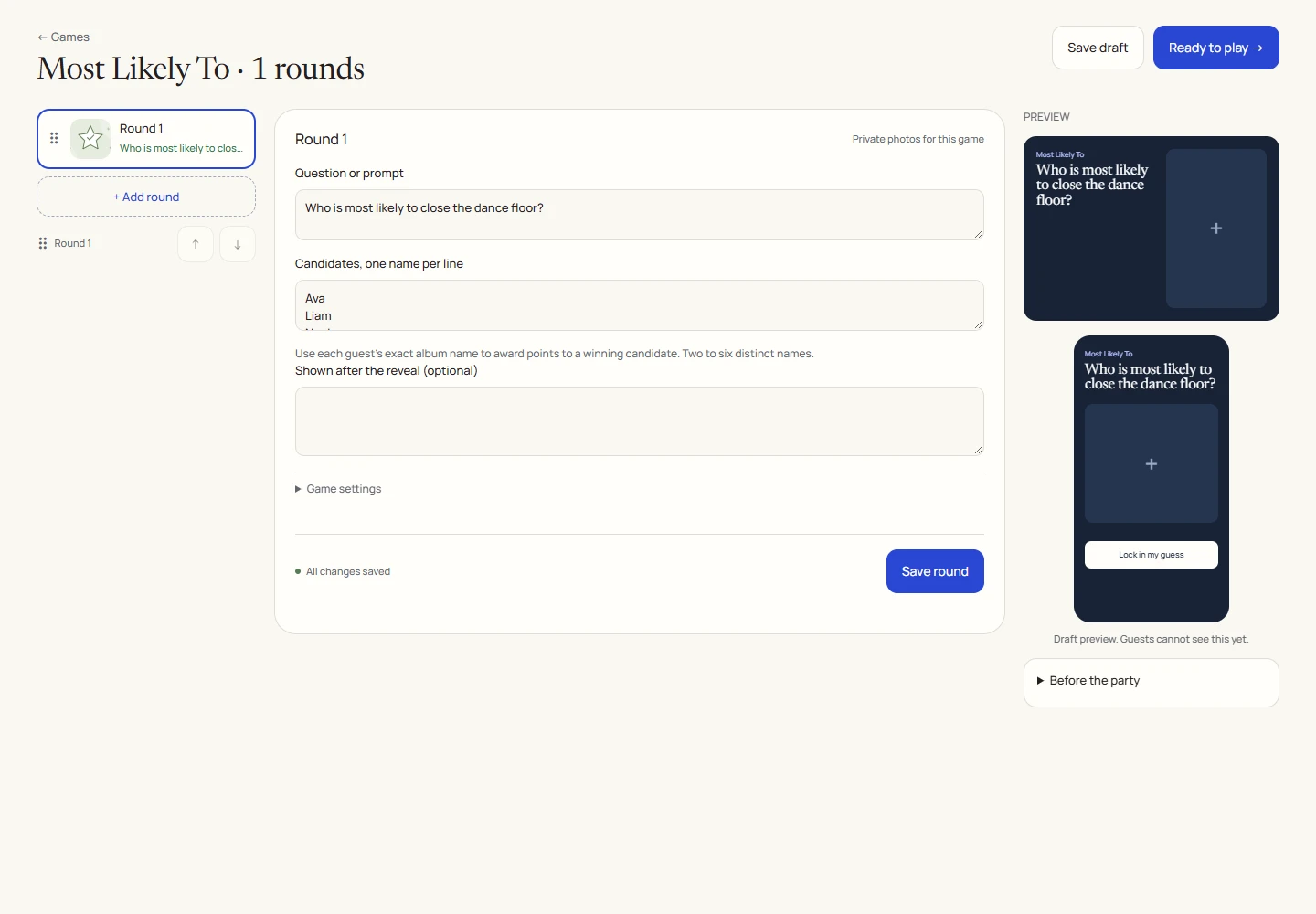
An example round
Play on your phone
- Join the game and read the prompt.
- Tap the candidate who gets your vote before voting closes.
- Your first accepted vote is final. Wait for the reveal rather than trying to submit it again.
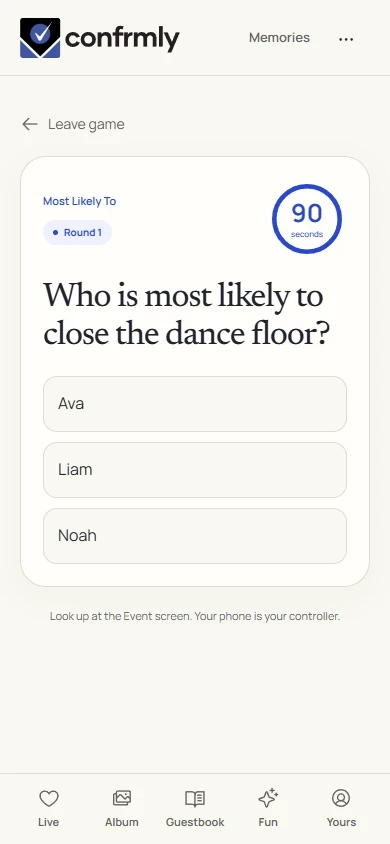
Reveal, scores and results
There is no factual correct answer and no points by default.
If Points for winning candidates is enabled, the winning candidate can receive 100 points when their name maps to a consenting participant in the game.
Voting for the most popular candidate does not award the voter quiz points. Check the revealed vote totals and standings for the outcome.
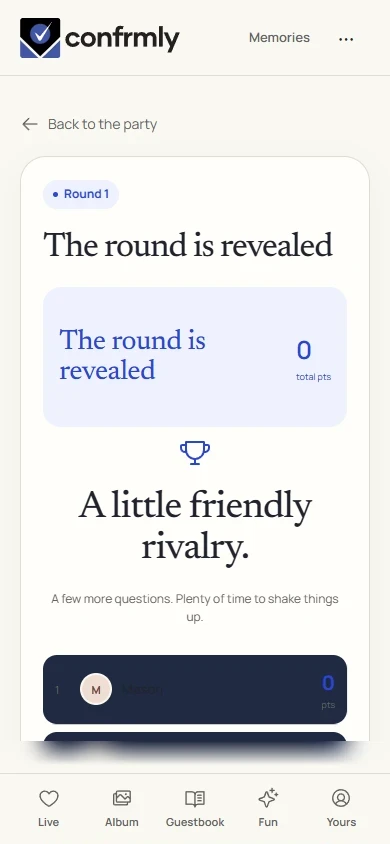
Show it to the room
Open the Event screen from the host workspace and choose Follow the party. The display follows the game’s lobby, active round, reveal and results. Keep the host’s private controls on a separate screen.
Use Reveal answer to show the round outcome, then Show results for the standings. Continue with Next round. Finish game ends a completed game and shows final standings.
If you get stuck
- If names cannot be connected for winner points, match the exact nickname each person used in this album.
- Candidates must be distinct. Remove duplicate names before making the game ready.
- With no accepted votes, there is no vote-selected winner to celebrate.
Screenshots show an example event with fictional names, answers and results. Your event’s content and scores will be different.