
Host setup · Guest play
Guess the Age
Show a photo from another chapter of someone’s life and let guests guess their age with a slider.
On this page
Before you start
- One photo per round and the person’s real age in that photo.
- A scoring tolerance in years. This controls how quickly points fall as guesses move away from the answer.
Create the game
- Choose Guess the Age from Create a game, or How Old Were They? from the photo packs.
- Upload a photo or use Pick from album to copy an approved photo into the game.
- Write the question, enter Correct age and Scoring tolerance (years), then save. Add an optional short explanation to show after reveal.
- Repeat for additional photos, check the preview and select Ready to play.
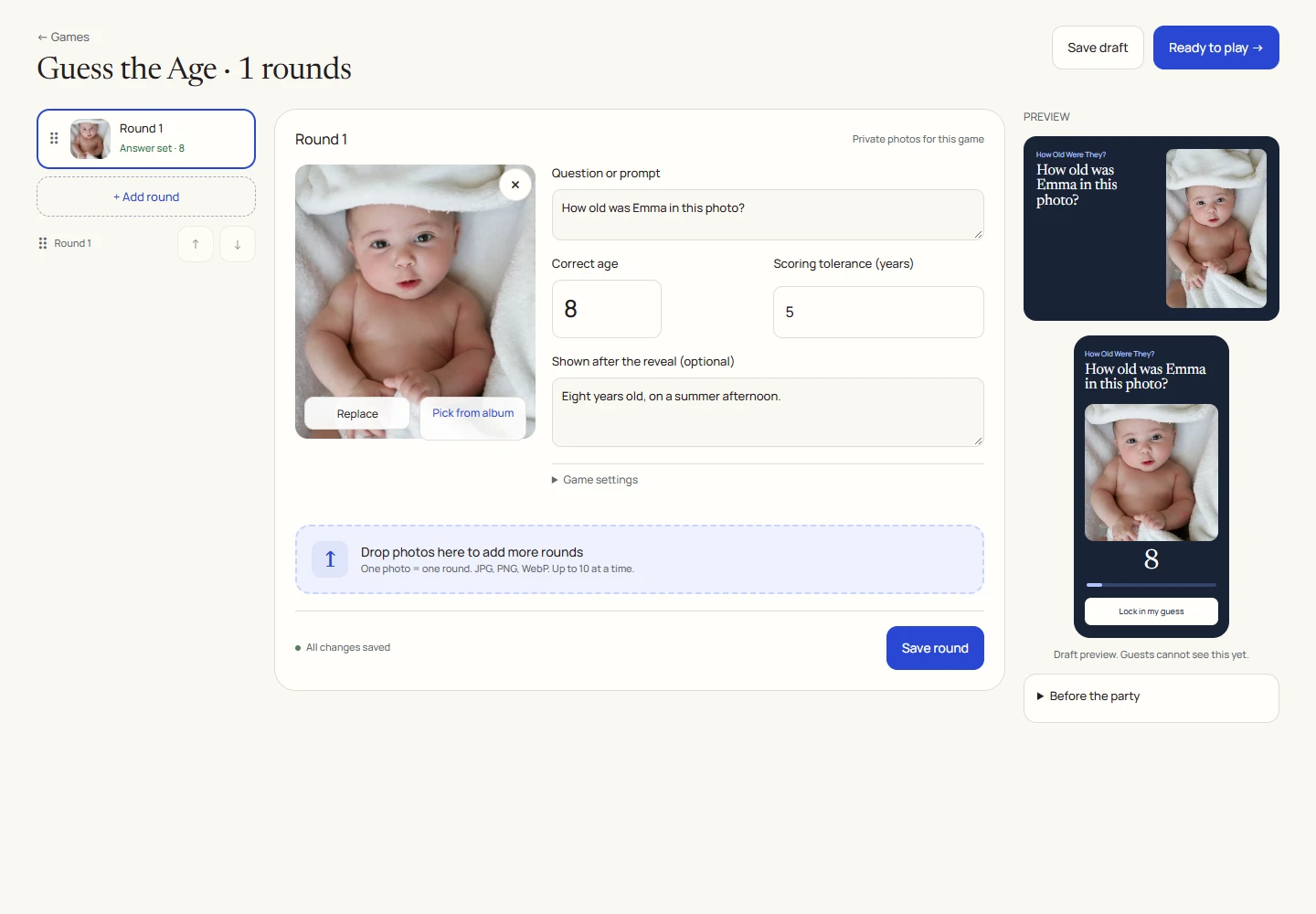
An example round
Play on your phone
- Join the game from your phone.
- Move the age slider to your guess and select Lock in my guess before time expires.
- At reveal, compare your guess with the real age. The results screen shows your total score.
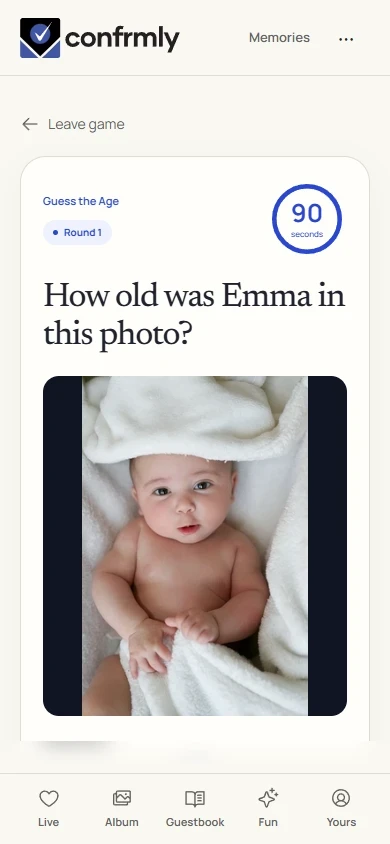
Reveal, scores and results
An exact guess earns 100 points. Nearby guesses earn fewer points according to the tolerance.
Points fall evenly with the distance from the correct age, reaching 0 at the tolerance boundary. Guesses farther away also earn 0.
This is a closeness score for each guest. More than one guest can score points in a round.
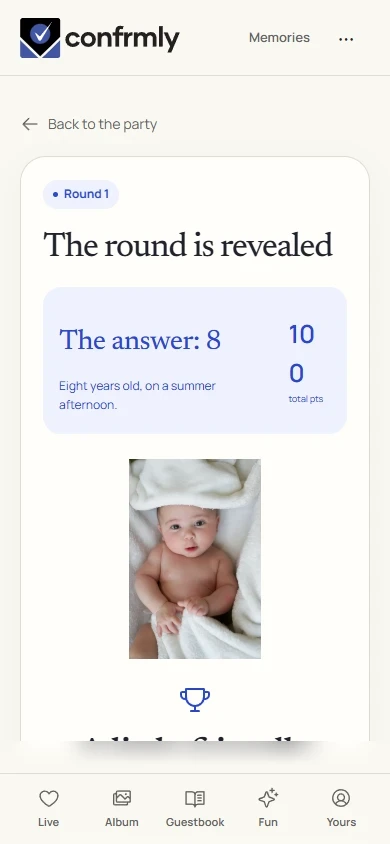
Show it to the room
Open the Event screen from the host workspace and choose Follow the party. The display follows the game’s lobby, active round, reveal and results. Keep the host’s private controls on a separate screen.
Use Reveal answer to show the round outcome, then Show results for the standings. Continue with Next round. Finish game ends a completed game and shows final standings.
If you get stuck
- The host needs both a photo and a correct age before the game can be made ready.
- Use the age in the selected photo, rather than the person’s age today.
- Choose a tolerance that suits the photos. A wider tolerance gives partial credit to more guesses.
Screenshots show an example event with fictional names, answers and results. Your event’s content and scores will be different.