
For hosts and guests
Make the most of Memories
One place for the photos, the messages and the little moments everyone joins in. Start with the feed and album, then bring the room together with a game.
On this page
Your event, from three points of view
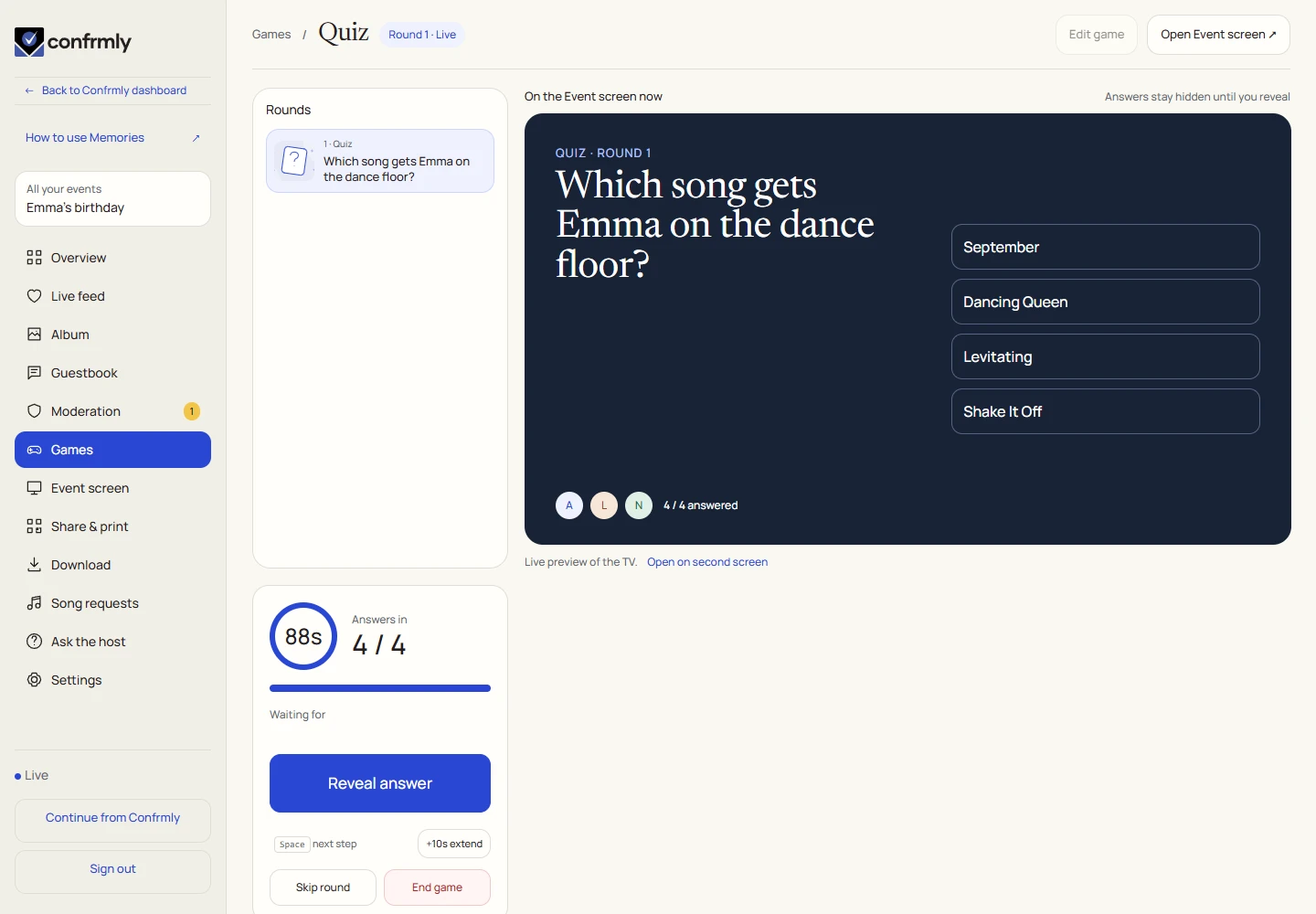
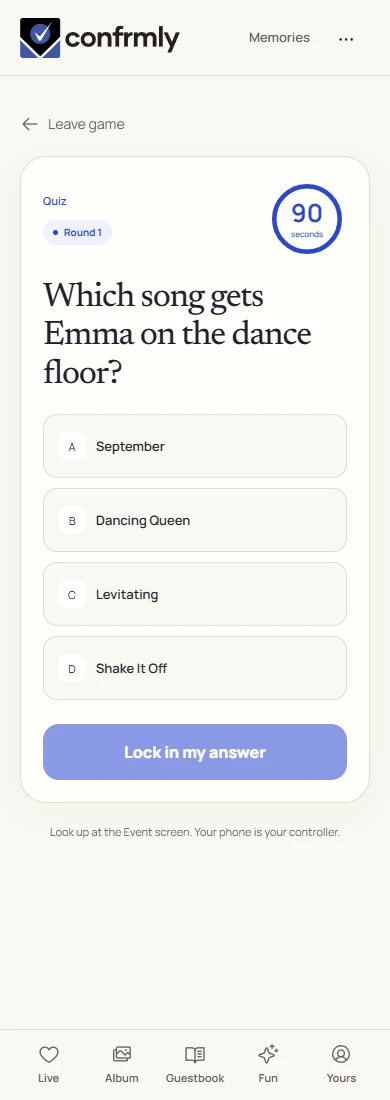
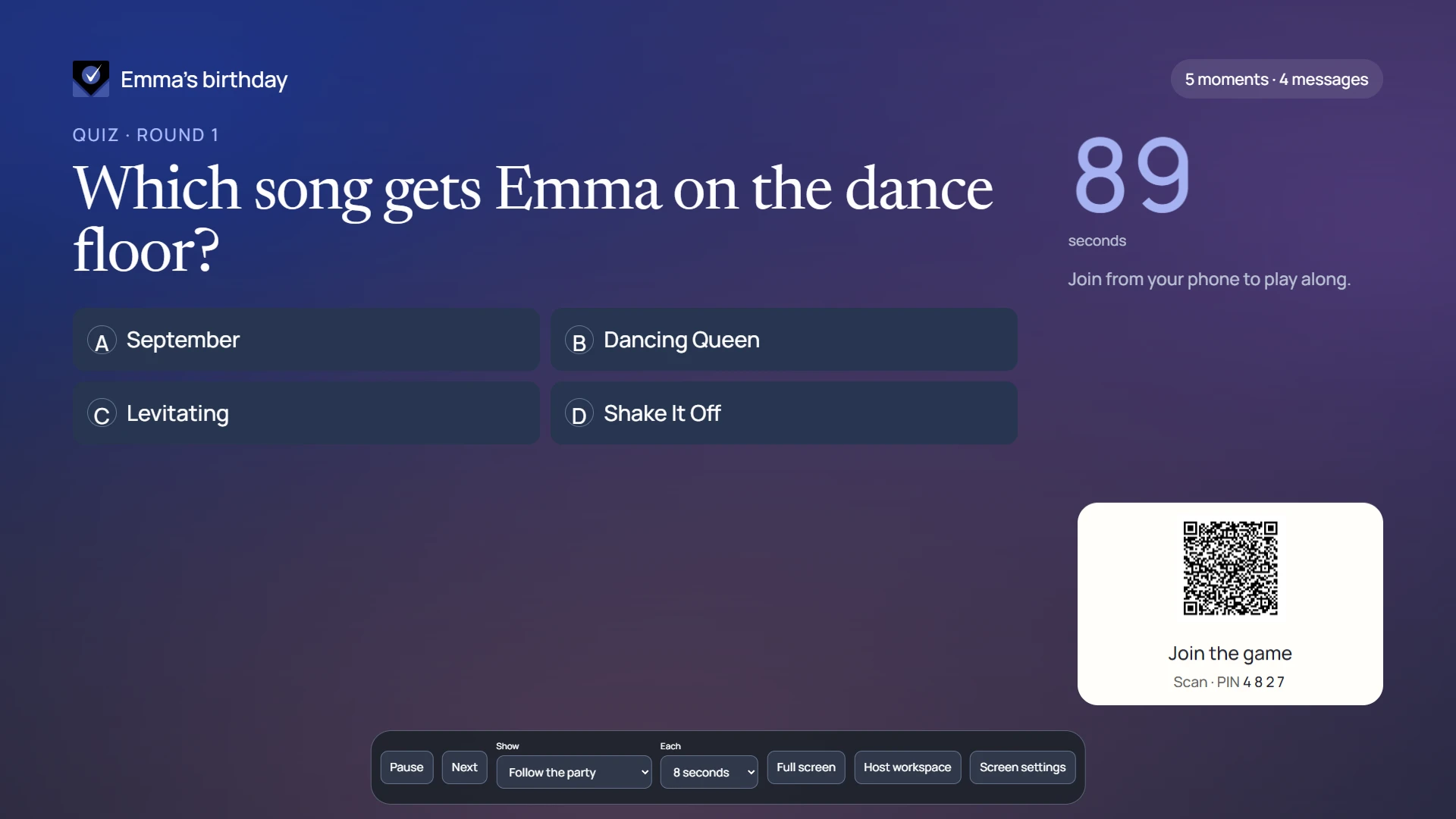
The host prepares the event and controls what is shared. Guests scan the event QR code and use their phone’s browser to add photos, leave notes and play. The Event screen brings approved moments and live games onto a TV or projector.
Host viewExample event
Guest viewExample event
TV viewExample event
Before your guests arrive
- Open your event in Confrmly and select Open Memories. Complete the event’s Memories activation if it has not been activated yet.
- Open Share & print. Create or copy the guest link, choose whether to use a PIN and prepare your QR poster or table cards.
- Add a few photos and a welcome guestbook note. Decide whether contributions need your approval.
- Prepare a game with its photos and answer key. Open the Event screen on the display you will use.
- Test the guest QR on a separate phone. Check that the album opens and the TV shows the right event.
If you are a guest
Guests use the browser. There is no separate guest account or app to install. Keep using the same browser for the event so your participation stays together.
- Scan the host’s QR code with your phone camera or open the guest link.
- Enter the event PIN if requested and choose the nickname you want people at this event to see.
- Start in Live. Open Album to browse photos, Guestbook for messages or Fun to find activities.
- Use Add photos or Leave a message to contribute. When a game is announced, open it and join the round.
Choose where to start
| I want to… | Open this guide |
|---|---|
| Understand new photos, messages and reactions | Live feed |
| Upload and browse event photos | Photo album |
| Prepare or run a party game | Games and the live workflow |
| Put the event on a big screen | TV screen |
| Leave a wish or favorite memory | Guestbook |
| Invite guests and print table cards | QR & share |
Screenshots show an example event with fictional names, answers and results. Your event’s content and scores will be different.