
Host setup · Guest entry · TV
Run a raffle and reveal the winners
A raffle gives the party a prize-draw moment. Set the prizes and entry rules, close entries, then reveal each winner in order.
On this page
Set up the draw
- Open the raffle section from Games.
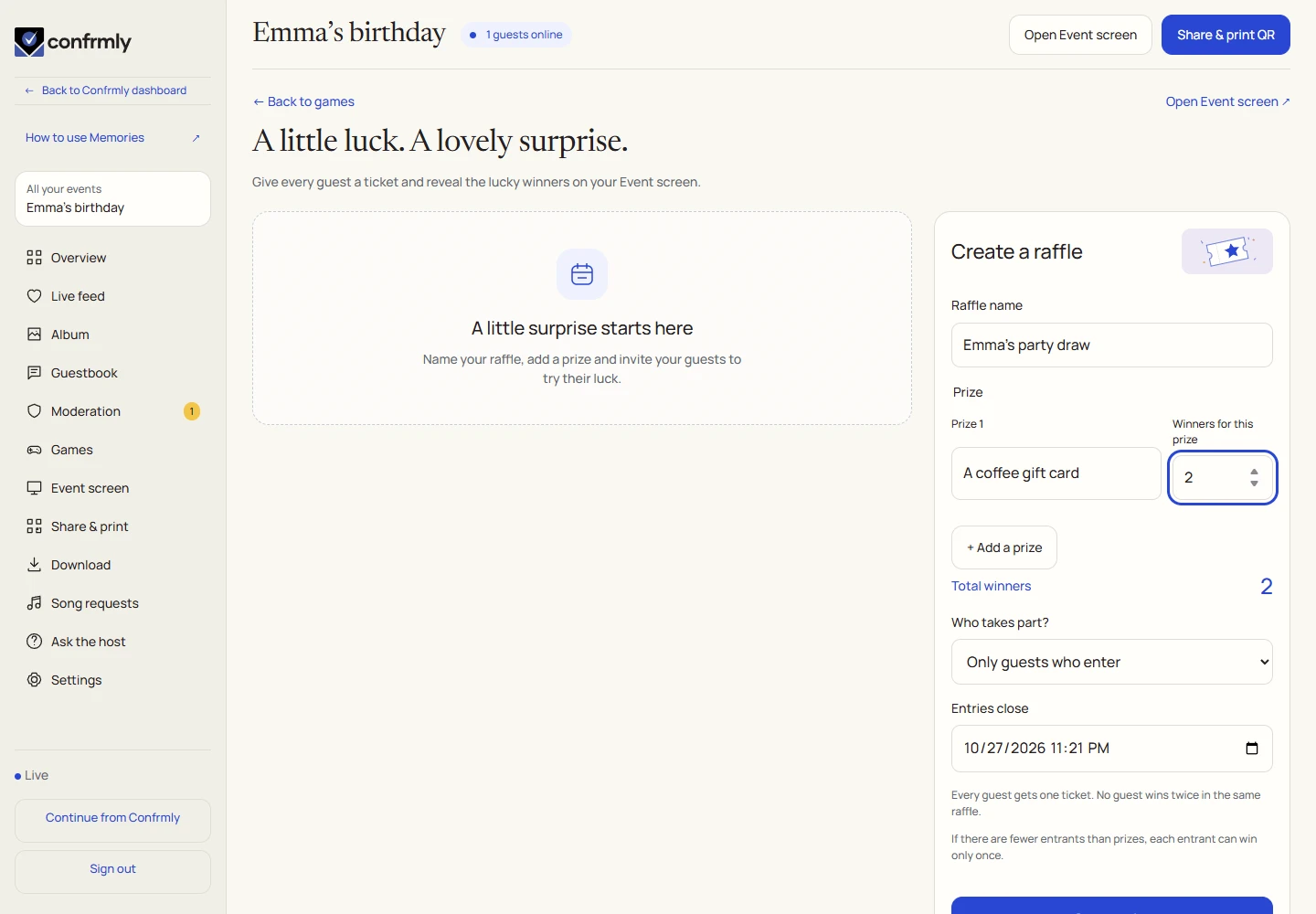
- Enter a raffle name and add the prizes. Choose the number of winners for each prize.
- Choose who takes part: eligible album guests or guests who explicitly opt in.
- Set the entry closing time and select Open entries. Review the prize details before creating the draw, because prizes are locked after creation.
Enter as a guest
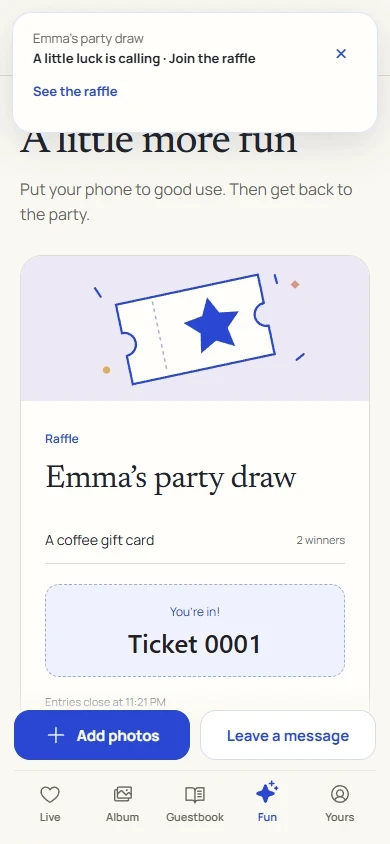
With all-eligible-guests entry, eligible guests are included according to the draw’s rules. You may see your ticket without an extra opt-in button.
- Open Fun in the guest event.
- If the draw uses opt-in entry, select Enter the raffle before entries close.
- Look for your entry/ticket confirmation. A repeated tap does not create extra tickets.
- Wait for the host to draw the winners.
Close entries and draw
The draw selects distinct winners. If there are fewer eligible entrants than planned winner places, it cannot invent extra people or award the same person duplicate winning tickets.
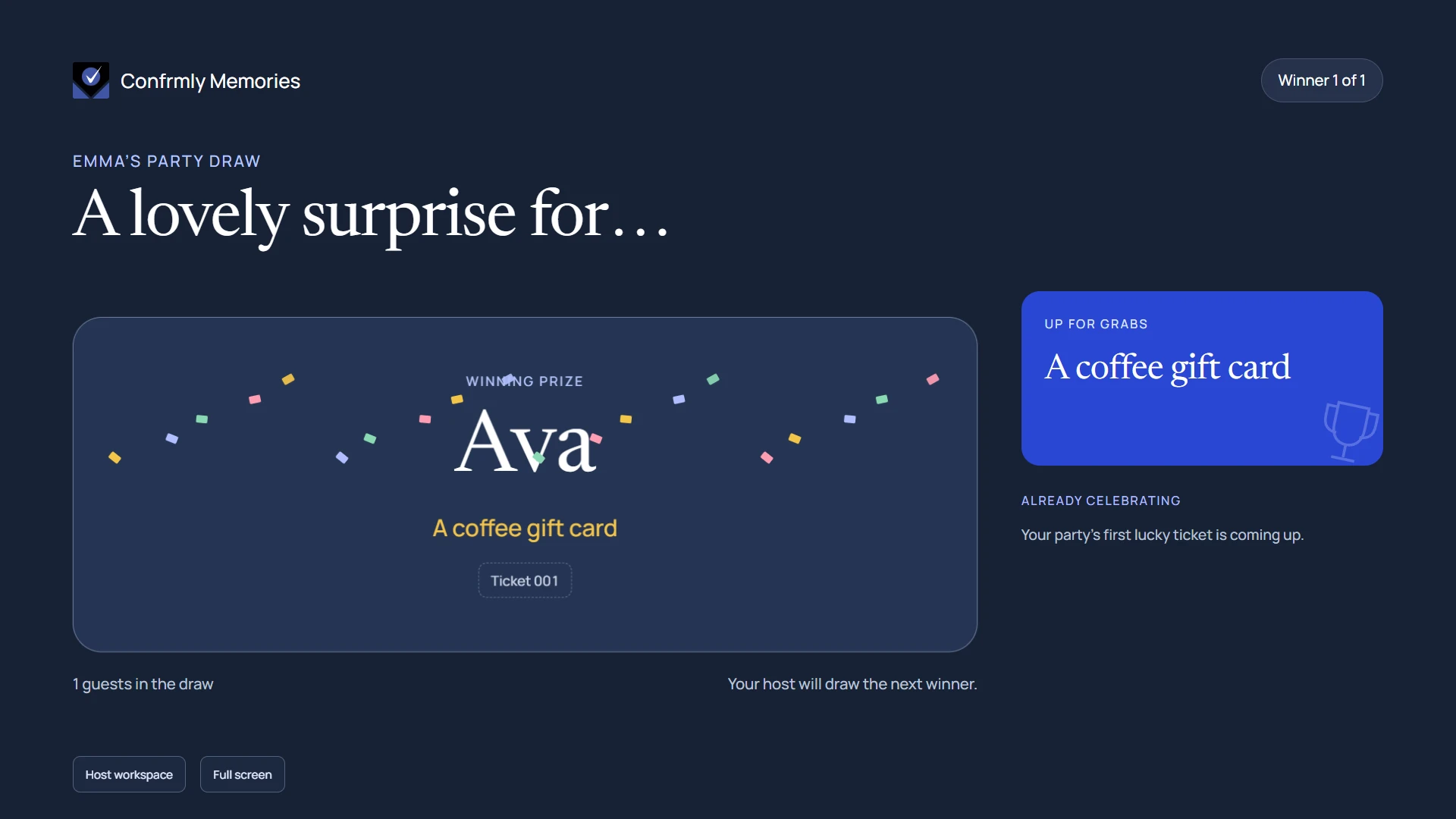
Open the Event screen before the draw. Its raffle presentation takes over for an active draw, then returns to the event after the completed draw’s display moment.
- Wait for the closing time or select Close entries now.
- Check that the draw has eligible entries, then select Draw the winners.
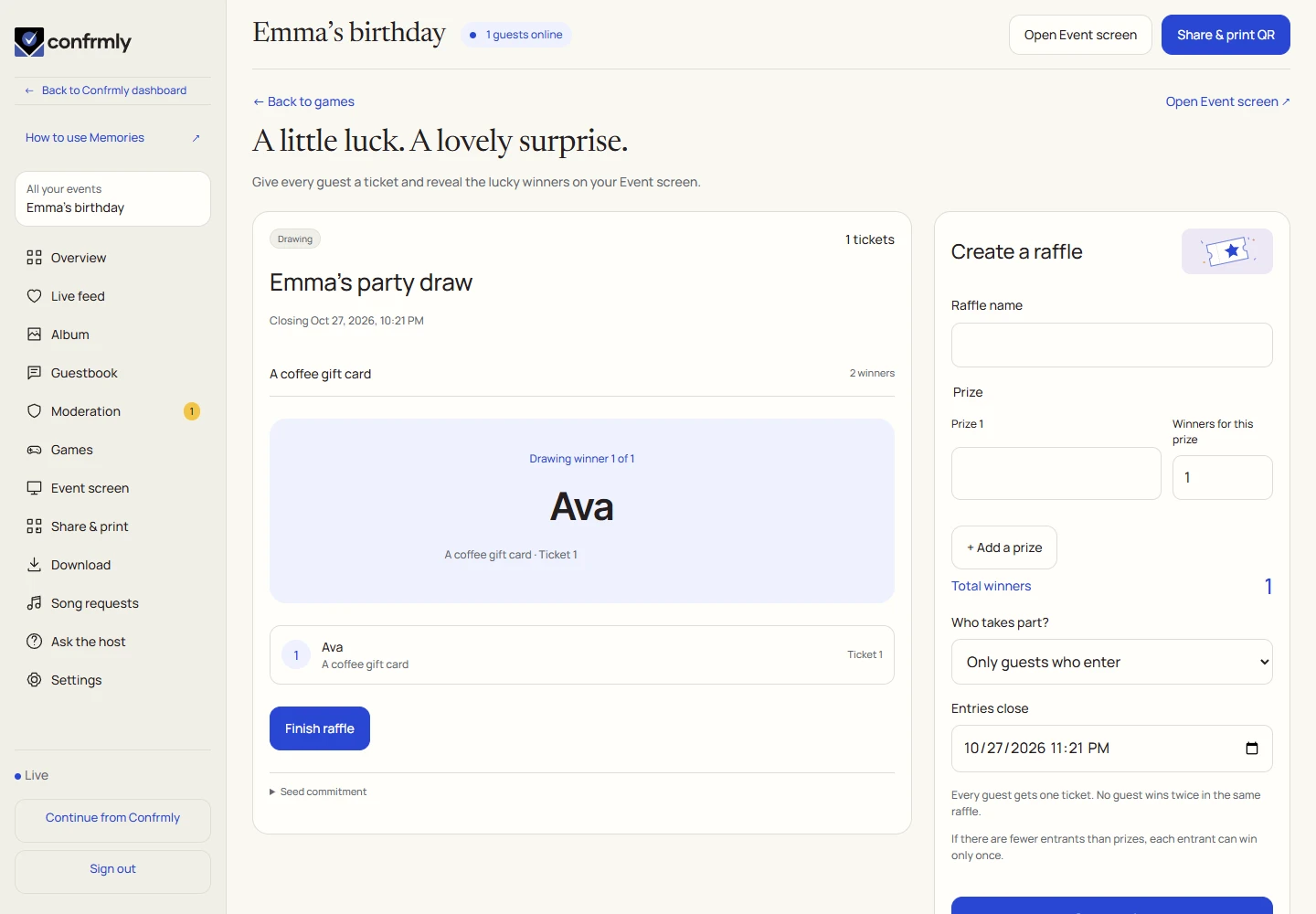
- Allow the current reveal to complete. Use Draw next winner when another winner remains.
- Select Finish raffle after the last reveal.
Where the results appear
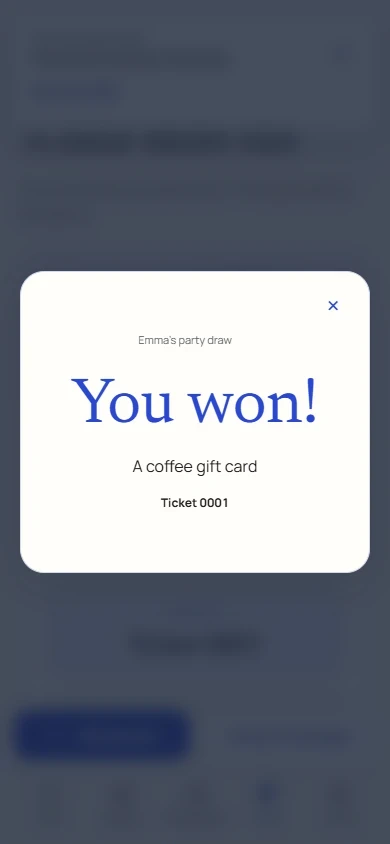
Guests see the draw and their own entry status on their phones. A winning guest receives the winner presentation when their ticket is revealed. The host’s list keeps the revealed winners and their prizes.
The Event screen shows the current winner and the completed draw. A raffle does not add quiz points to a game leaderboard.
After completion, the host can download the draw audit. It records the completed draw so its outcome can be checked; it is separate from the guest photo archive.
If the draw is waiting
- Before drawing, close entries and check that at least one eligible guest entered.
- Wait for the reveal countdown before advancing to the next winner.
- A guest who joins after the closing time does not enter the closed draw.
- If the TV is stale, check its connection and that it is open for the same event.
Screenshots show an example event with fictional names, answers and results. Your event’s content and scores will be different.