
Host setup · Guest play
Then & Now
Put two photos together and ask guests to spot the person, place or memory that connects them.
On this page
Before you start
- Two photos for each round, usually an older photo and a recent one.
- A question with a clear correct choice.
Create the game
- Choose Then & Now in Create a game.
- Add the older photo first and the recent photo second. You can upload private game photos or copy approved album photos.
- Write the connection question, add the choices and select the correct answer.
- Save, preview both images and complete the remaining rounds before selecting Ready to play.
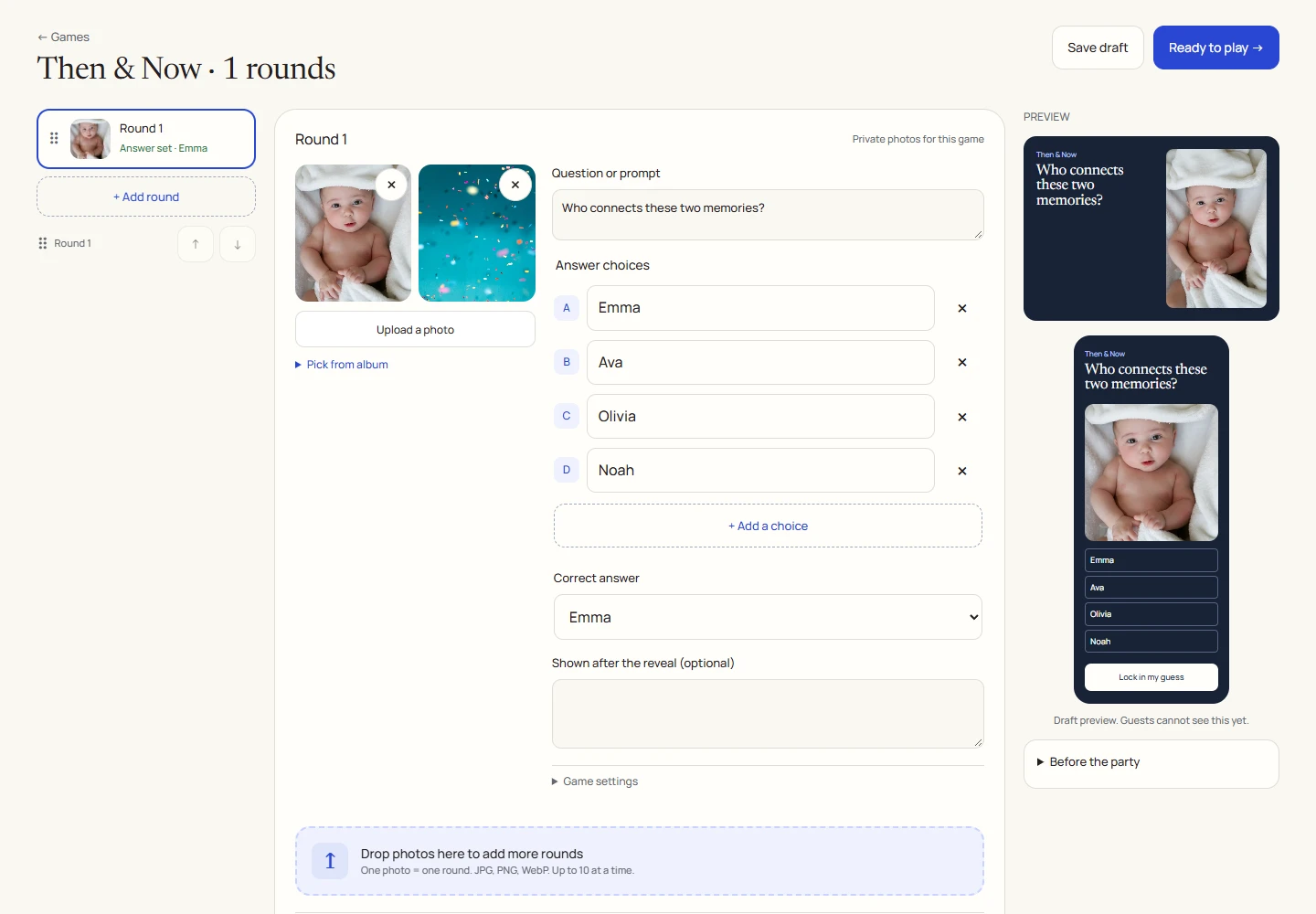
An example round
Play on your phone
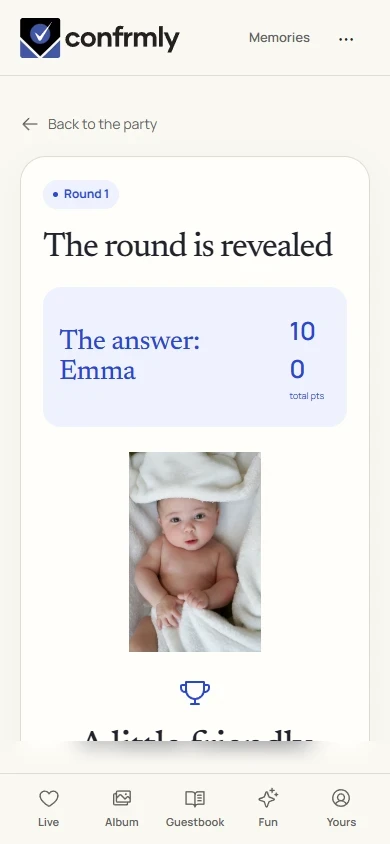
- Join from your phone and compare both images.
- Choose the answer to the host’s question and lock it in.
- See the correct connection at reveal, then check the standings.
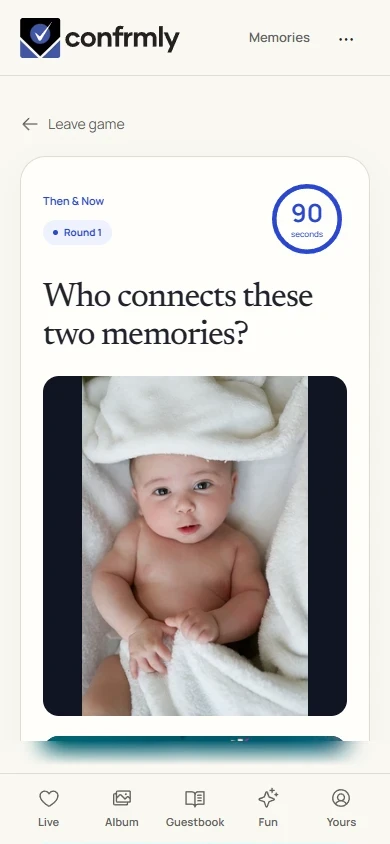
Reveal, scores and results
A correct choice earns 100 points. A wrong or missing choice earns 0.
The host decides what connection guests are guessing. The game does not automatically match faces or create an age transformation.
Show it to the room
Open the Event screen from the host workspace and choose Follow the party. The display follows the game’s lobby, active round, reveal and results. Keep the host’s private controls on a separate screen.
Use Reveal answer to show the round outcome, then Show results for the standings. Continue with Next round. Finish game ends a completed game and shows final standings.
If you get stuck
- Both photos must finish uploading before the round can be made ready.
- Explain the connection in the question. Two photos alone do not tell guests whether to guess a name, place or year.
- Use the after-reveal note for a short story about the two pictures.
Screenshots show an example event with fictional names, answers and results. Your event’s content and scores will be different.