How to Follow Up With Guests Who Have Not RSVPed
A polite RSVP follow-up plan with ready-to-adapt text, email and phone wording, a response-tracking checklist, and advice for handling late replies.
An unanswered invitation is not a "no." The guest may have missed the message, forgotten the deadline, or meant to check with someone else. If you need a headcount, compare your original invitee list with the replies you have actually received, then contact only the people who are still unaccounted for. Give them one easy way to answer and a real date by which you need their decision.
This guide gives you a short follow-up sequence and wording you can adapt for a wedding, birthday, shower, dinner or work event. It also explains how to keep a late text or phone answer from getting lost outside your RSVP record.
Key takeaways
- Contact only people whose response is genuinely missing, not everyone on the invitation list.
- Keep the reminder personal, brief and free of guilt. Include the event, reply deadline and direct response link or method.
- Record the answer wherever you manage the guest count. Do not treat silence as a confirmed decline without checking your event arrangements.
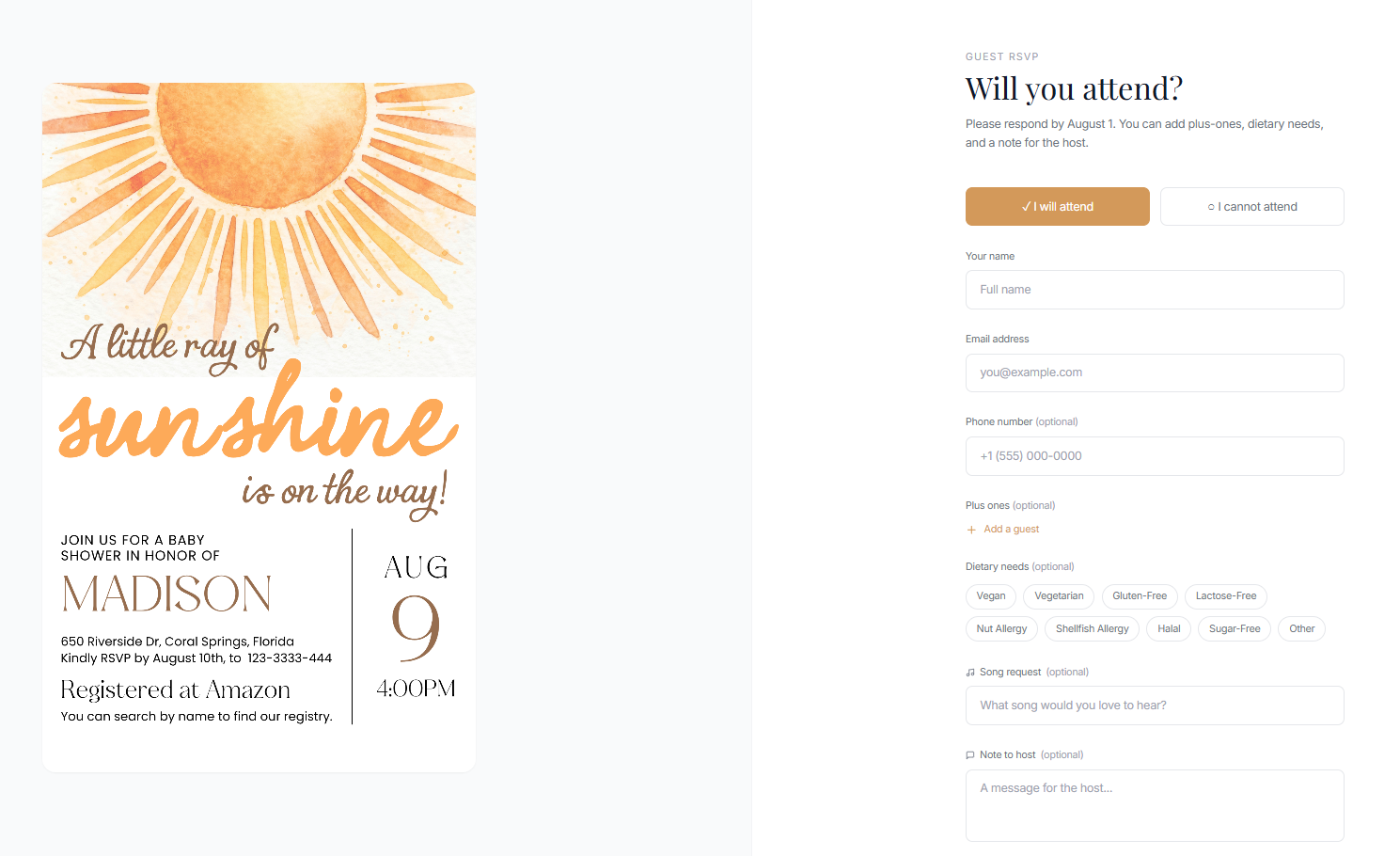
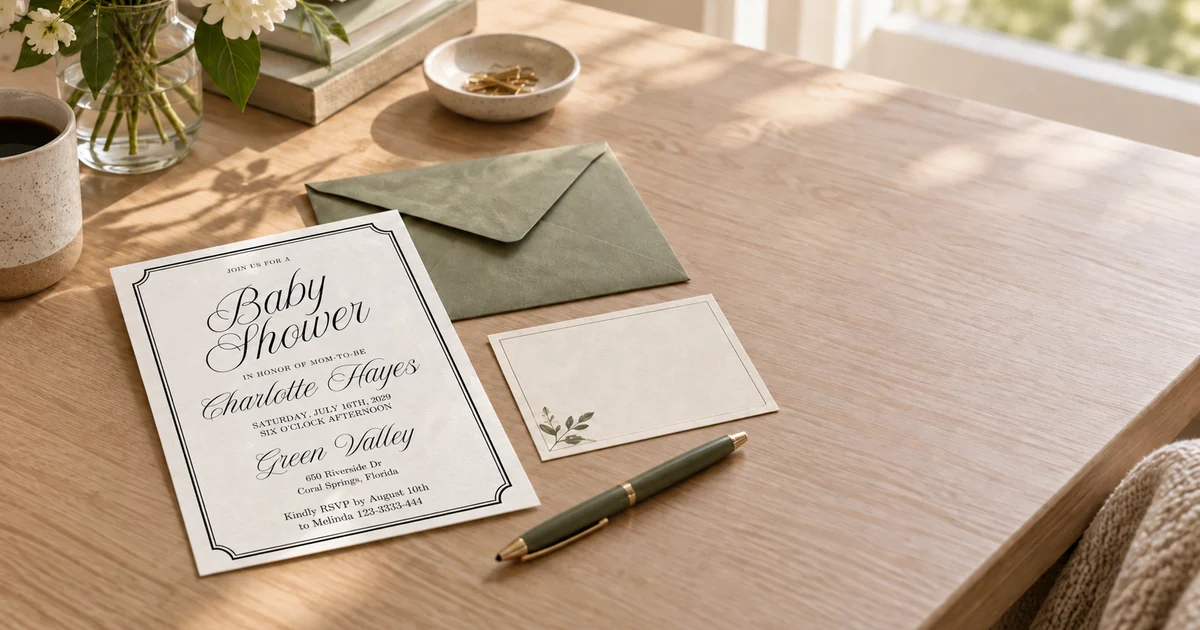
Image note: The supplied Baby Shower invitation and phone scenes are illustrative mockups, not a real event or a record of guest responses. Use the dates and details of your own event when sending a reminder.
Jump to: Check the reply list · Choose the timing · Use a personal message · Record each answer · Final headcount checklist
First, check who has actually replied
Begin with the list you used to invite guests. Mark each person or household as attending, declining, uncertain or not yet answered. Check every channel you offered: paper cards, email, text, phone and the online RSVP page. If you invited a couple or family together, check whether one answer covers everyone named on the invitation before sending a reminder.
Before following up, check that the invitation itself gives the right event date, reply deadline and response route. The RSVP-by date should come before the event. If the printed or shared invitation contains a mistake, correct it with guests rather than using its wrong deadline in a reminder.
An RSVP system can organize responses, but it cannot identify every nonresponder unless you also compare those responses with the complete invitee list. Keep that distinction clear. A guest who has answered by phone should not receive a message saying you have heard nothing. Add their answer to your working count or ask them to submit it through the same RSVP link so the details stay together.
Check the wording on your invitation before treating silence as a missing RSVP. If it explicitly asked for "regrets only," guests were asked to reply only if they could not attend. That is different from a standard RSVP request, as The Knot's invitation wording guide explains. Confirm any uncertain headcount personally when you need an exact number, but do not send a message saying that a "regrets only" guest missed an RSVP requirement.
If you are still choosing a way to collect replies, the guide to tracking RSVPs across print and digital invitations explains how to keep one guest-facing destination for both formats.
Choose the moment from your real planning deadline
Work backward from the date when your caterer, venue or organizer needs the final count. Your first reminder should leave enough time for the guest to check their plans and for you to resolve unclear answers. For weddings, The Knot's reminder guidance suggests a friendly note about a week before the RSVP deadline and another follow-up if needed after it. That is guidance, not a universal rule for every event. A casual dinner may need a shorter window; a destination wedding may need much more planning time.
After the printed or digital RSVP date passes, do not send the same vague "just checking in" message repeatedly. Tell the remaining guests when you must finalize the count and offer a direct way to reply. The Knot's RSVP timeline recommends a friendly personal call when an accurate answer is needed for a wedding. If your relationship or the event calls for a text or email instead, keep the same friendly, specific approach.
Send one personal message with a clear next step
Write to the individual or household, not a group thread of everyone who has not responded. Say what the invitation is for, mention the response date and include the exact RSVP link if you have one. Make it easy to say no. People who cannot attend still help you plan when they reply.
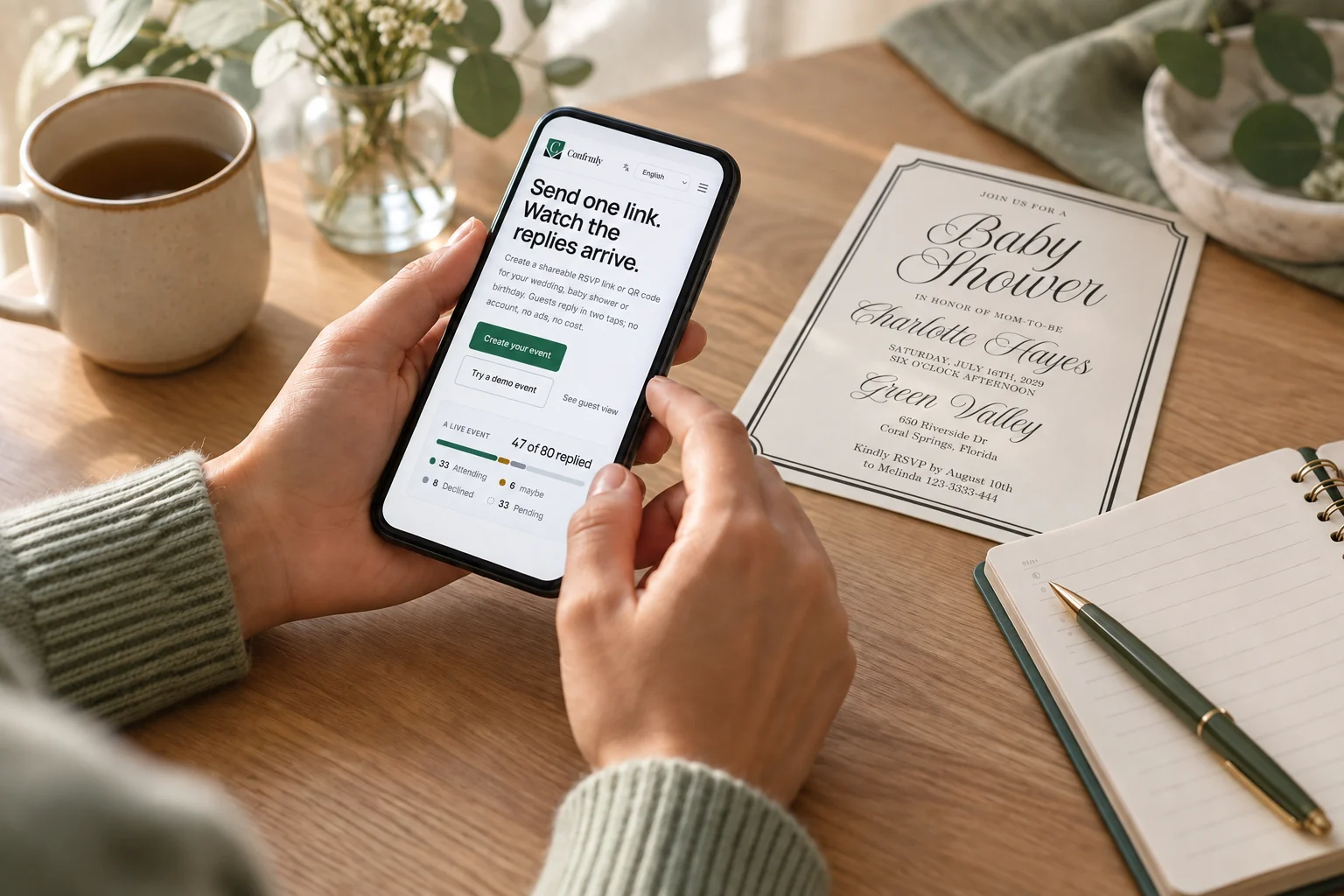
Mockup based on a user-supplied Confrmly home-page screenshot and invitation artwork. This is not a real guest reminder being sent.
Before the RSVP deadline: text message
Hi [Name], we're looking forward to [event] on [date]. Could you let us know by [RSVP date] whether you can make it? You can reply here or use [direct RSVP link]. Either answer helps us plan. Thank you!
After the deadline: email
Subject: A quick RSVP check for [event]
Hi [Name], I hope you're well. I'm finalizing the count for [event] on [date], and I don't have your reply yet. Could you let me know by [final count date] whether you'll be there? Here's the RSVP link: [direct RSVP link]. If you have already answered another way, please tell me and I'll update my list. Thank you, [Host name].
When a call is more natural
Hi [Name], I'm checking that our invitation for [event] reached you. I need to give our final number on [date]. Do you know yet whether you'll be able to join us?
These are starting points, not scripts to send unchanged. Use the name and tone you would use with that person. Do not claim a caterer needs a count if there is no such deadline. If the guest has already declined, thank them rather than trying to change their mind.
Make the answer easy to give and easy to find later
A reminder works better when the response path is obvious. In an email or text, put the direct event RSVP link in the message rather than asking the guest to search for the original invitation. For a phone conversation, note the answer immediately afterward. If you receive a text saying "we'll be there," confirm whether that covers the invited household and whether you still need any meal or accessibility details.
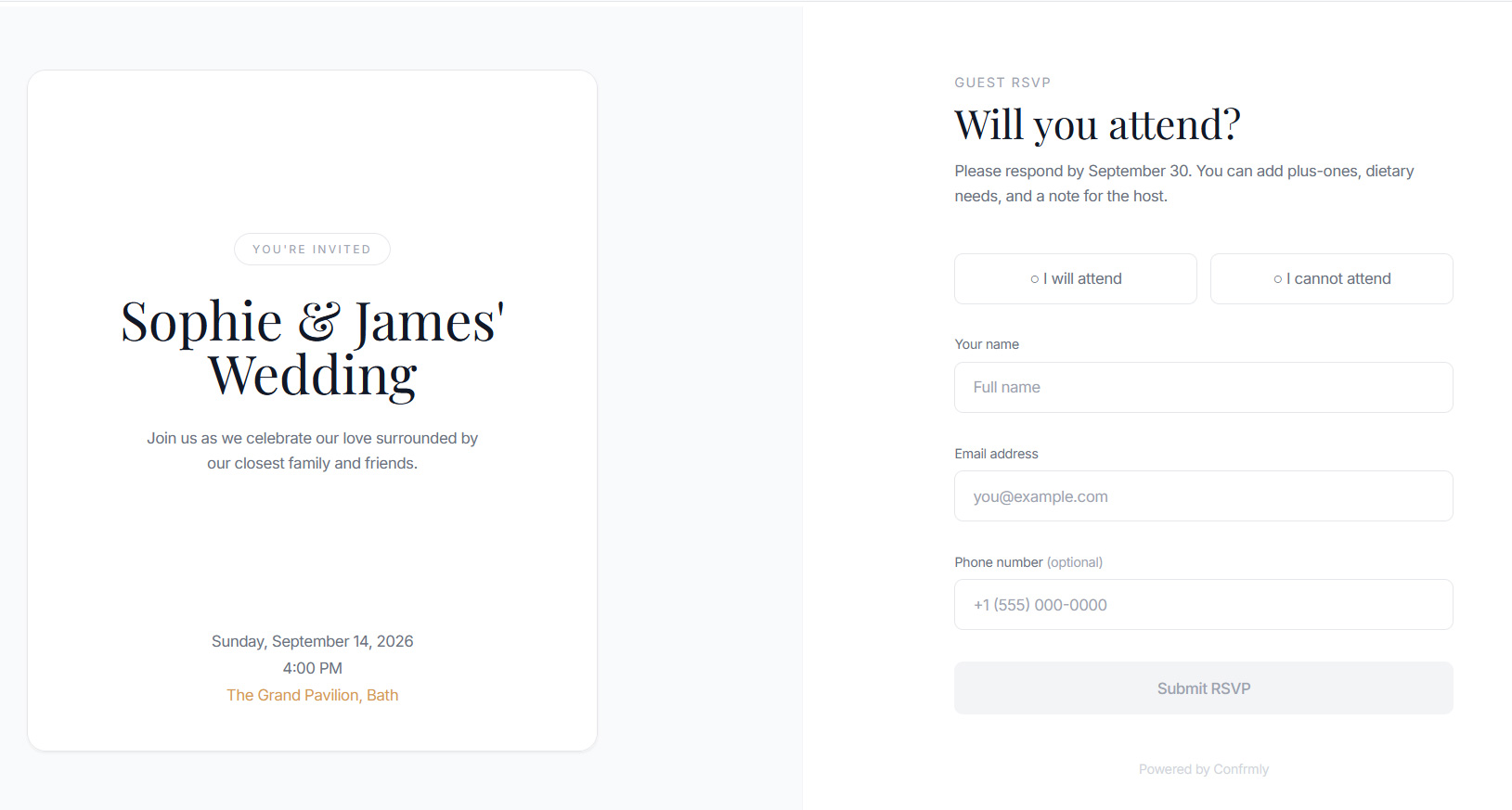
For an online event page, test the guest-facing link in a private browser window before you send it. Confirm that it opens the intended event without your host session. Guests should not have to create an account just to reply. If the link no longer opens or the deadline prevents an answer, fix that problem or offer a direct personal reply before reminding anyone.
With Confrmly's RSVP tracker, a host creates an account with an email address and password, then shares the event's RSVP link. Guests can submit their responses without an account. That gives you one place to review online replies, but the host still chooses and sends any personal reminder. This article does not describe an automatic reminder feature.
Update your count after each reply
Use a simple record for the follow-up process. You do not need a complicated spreadsheet, but you do need one current answer for each invited person or household.
| Field | What to record |
|---|---|
| Invitee | The person or household named on the invitation |
| Current status | Yes, no, uncertain or no answer yet |
| Last contact | Date and channel of the most recent personal follow-up |
| Final answer | The exact attendance decision and who it covers |
| Details still needed | Meal choice, accessibility need or other information relevant to the event |
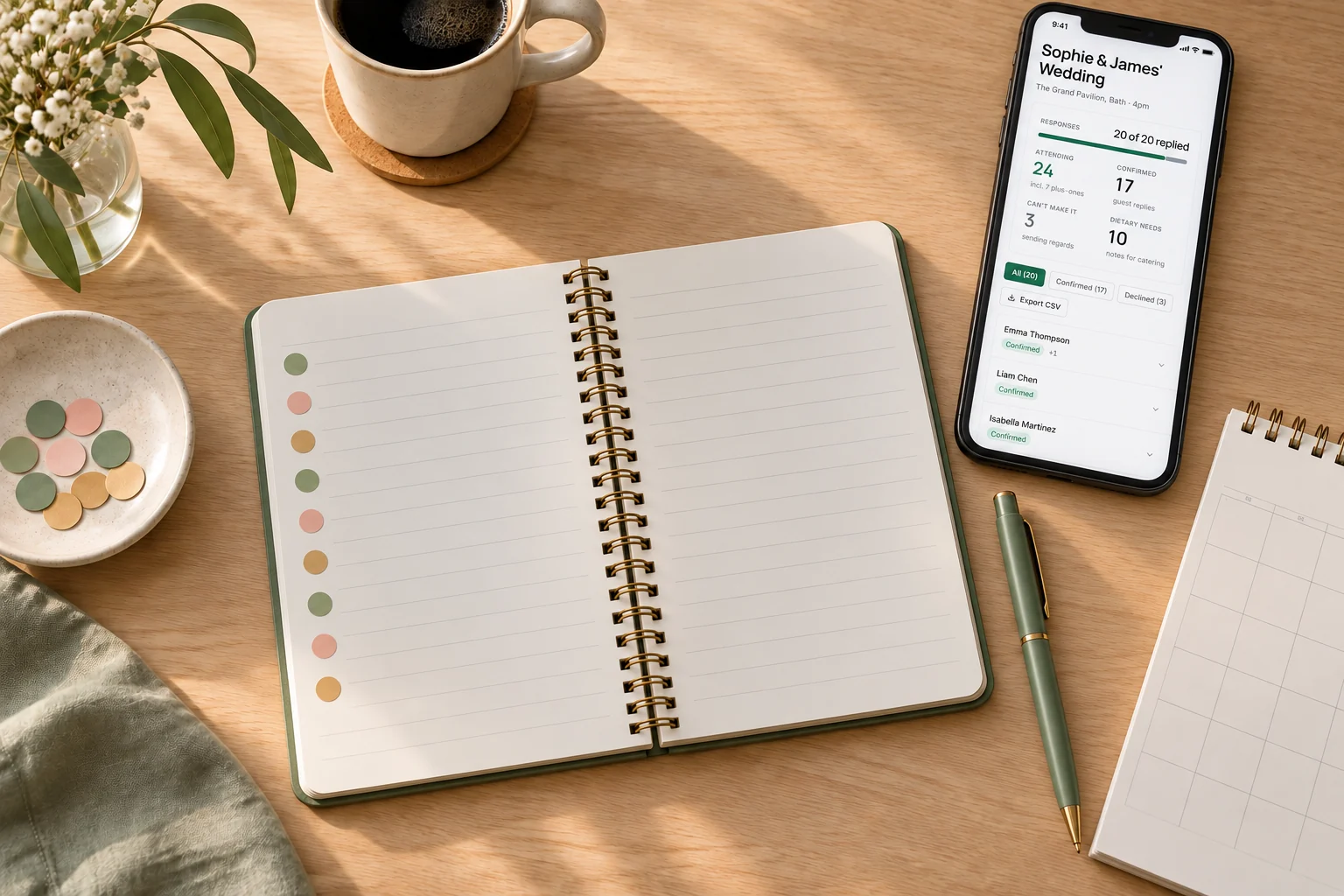
Mockup based on a user-supplied Confrmly sample wedding dashboard. It is a different example from the Baby Shower invitation; no real guest outcome is implied.
If someone answers by text or phone while other guests use an online form, reconcile that answer with your event dashboard or working list immediately. Otherwise, a host can accidentally chase the same person again or give a vendor the wrong count. For a broader setup, see the RSVP help and account details.
Handle late, uncertain and missing answers without guessing
If a guest says "maybe," ask when they can give a firm answer and compare that date with your actual vendor cutoff. Do not silently count them as attending. If a guest replies after you have committed final numbers, explain what can still be accommodated before promising a seat or meal. If you cannot reach someone at all, make the planning decision that fits your venue and budget, then document it. Silence is not a reliable headcount.
For a printed invitation with a mailed card, leave room for postal delay before assuming there has been no response. For an email invitation, check whether your message reached the correct address. If the guest seems unsure, resend the direct RSVP link and the essential event details, not the entire invitation thread.
The etiquette principle is simple: the host is allowed to ask, and the guest should answer. The Knot's RSVP guidance says guests should reply as soon as they know whether they can or cannot attend. Your reminder should make either answer equally easy.
A final checklist before you give the headcount
- Compare the invitee list with every response channel.
- Send a brief personal reminder only to genuine nonresponders.
- Include the event name, a real final reply date and a working direct link or phone option.
- Record each new answer and clarify who is included.
- Separate confirmed yes, confirmed no and unknown before giving a final count.
- Check any late change against the venue or vendor cutoff instead of assuming it can be accommodated.
Following up is not about pressuring guests. It is about giving them a clear chance to answer and giving yourself a trustworthy count. If you want a guest-account-free online response page alongside your printed or digital invitation, create an event and share its RSVP link. Send any reminder yourself, then keep the resulting replies and your original invitee list aligned.
About the author: Artwork Lab LLC operates Confrmly. For questions or corrections about this event RSVP guide, contact Confrmly. Editorial method: this guide combines the linked etiquette sources with Confrmly's documented RSVP flow; it does not report a guest study or hands-on event test. The image mockups incorporate supplied artwork and screenshots but are not pixel-exact UI captures or evidence of physical testing.
Ready to send invites?
Create your event on Confrmly
Set up your RSVP page, share the link with guests, and keep their responses in one place.
Get Started Free