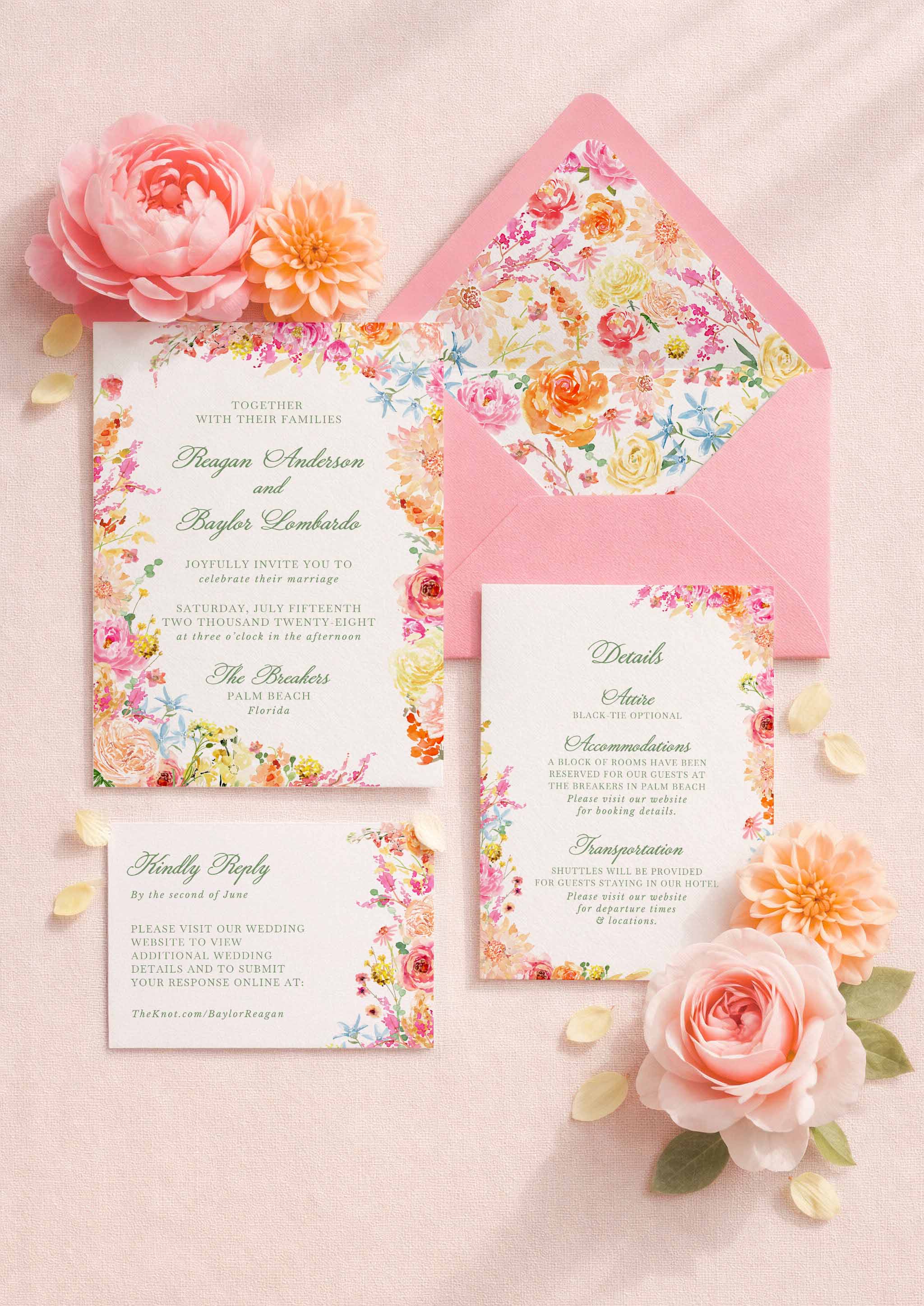
Digieventify Digital Wedding Invitations and Event Websites
Discover Digieventify's mobile-first digital invitations, custom event websites, animated designs, and a simple way to add free RSVP tracking with Confrmly.
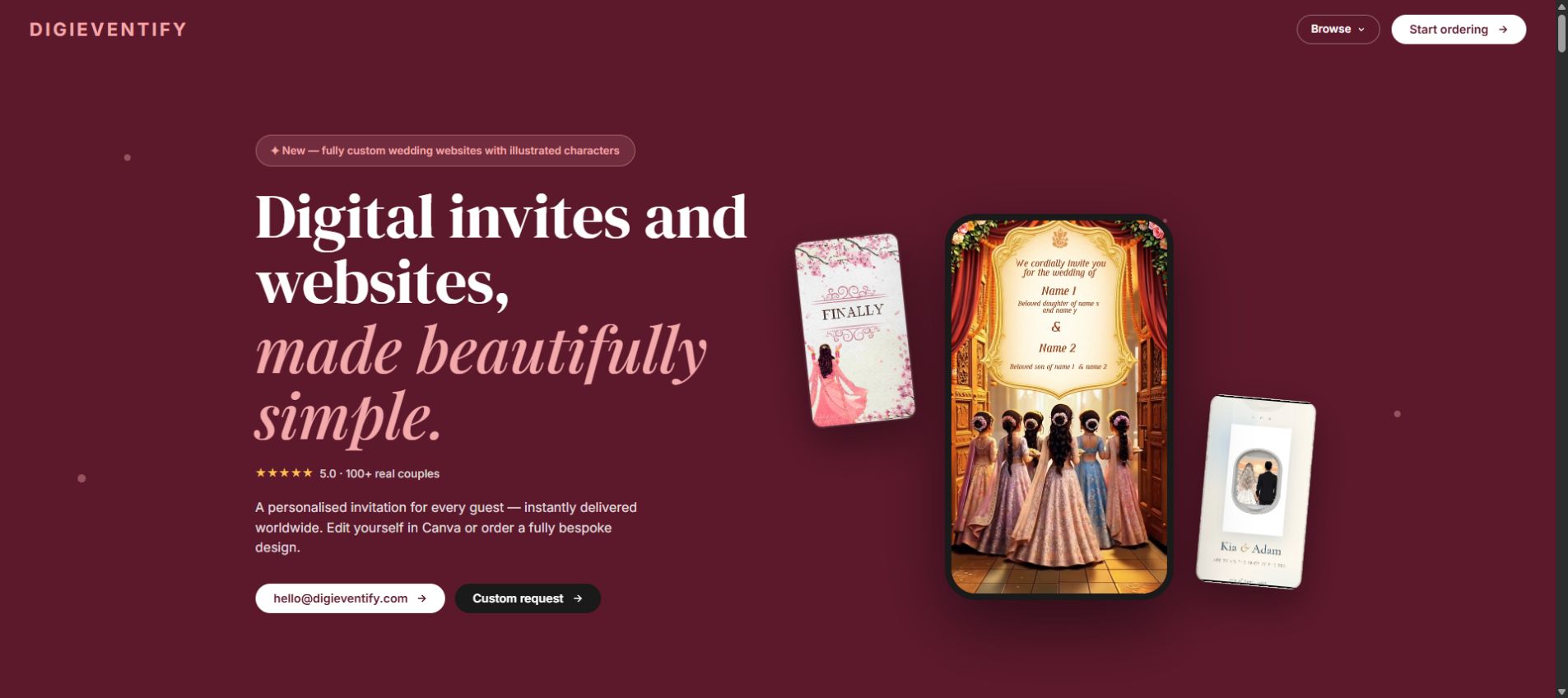
Partner spotlight: Digieventify creates mobile-first digital invitations, custom event websites and animated designs for weddings and other celebrations. Founder Sasha supplied the service details for this feature and gave Confrmly permission to use visuals from the Digieventify website.
The idea is simple: give every guest an invitation that feels personal, opens directly in a browser and is easy to share by WhatsApp, email or text. Customers can choose a ready-to-edit Canva template or request a fully bespoke design.
From editable Canva invitations to bespoke animated designs
Digieventify's ready-to-edit Canva invitations start from £8. They are designed for mobile viewing and can be personalized before sharing. For couples who want something created specifically for them, Digieventify also offers bespoke animated invitations and videos.
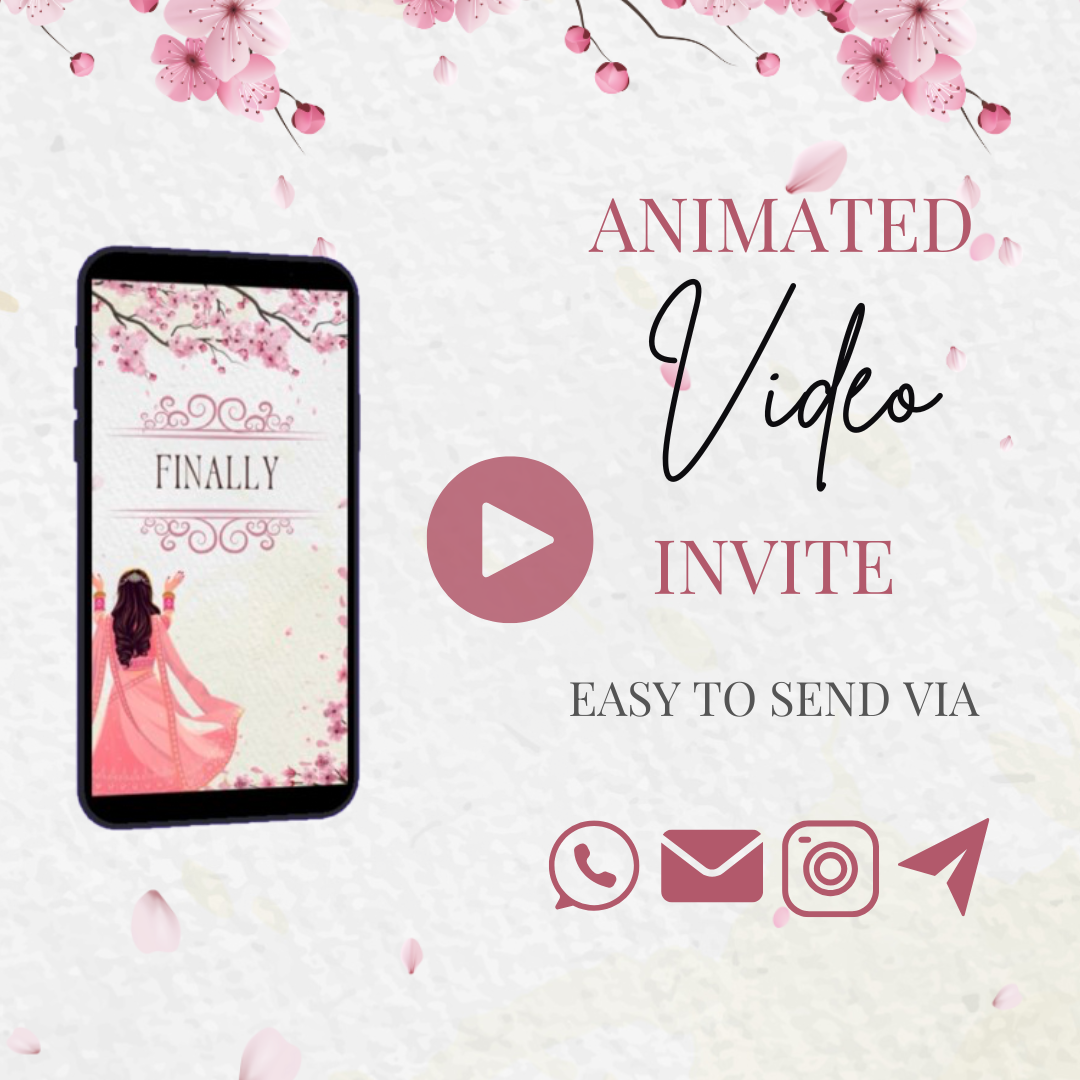
According to the materials Sasha supplied, illustrated characters can be inspired by a couple's photographs and adapted in different visual styles. Outfits, hairstyles, accessories and backgrounds can be adjusted to match the celebration. More private alternatives, including generic characters and faceless silhouettes, are also available.
Custom event websites that keep details together
Sasha's service brief also describes interactive event websites for weddings, birthdays, baby showers, corporate events and other celebrations. Depending on the project, a site can include an envelope or wax-stamp opening, countdown, dress-code mood board, venue details, itinerary, accommodation suggestions, gallery and gift-registry information.
This gives guests one mobile-friendly place for the information they would otherwise search for across messages, attachments and social posts.
Add a free RSVP workflow with Confrmly
Digieventify tested Confrmly with an example event and found the setup easy to use. Confrmly can be added as a separate RSVP service without rebuilding the invitation or event website.
- Create the event: Open the Digieventify partner page on Confrmly and create a free event.
- Copy the RSVP link: Add it to an RSVP button on the event website or make it clickable inside a digital invitation.
- Use the QR code when needed: Download the event QR code and place it on a printed card or matching invitation graphic.
- Test before sharing: Open the link and scan the QR code on a second phone to confirm that both routes open the correct guest form.
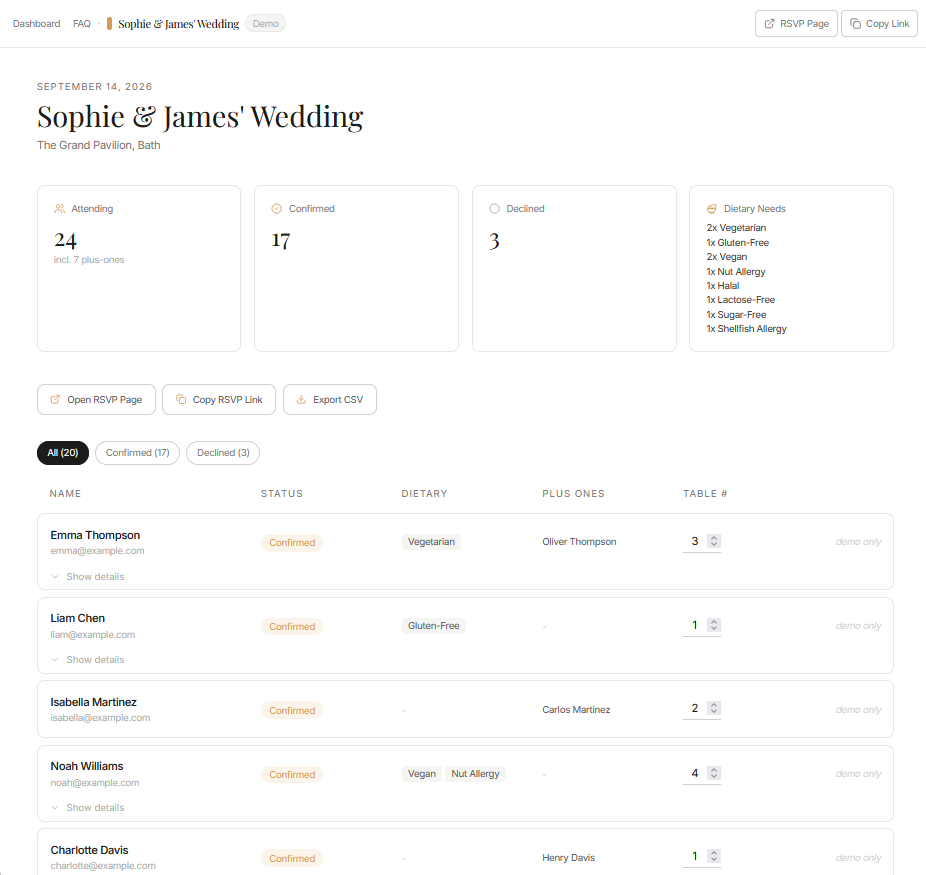
- Track responses: Guests respond without creating an account, while the host manages attendance, plus-ones, dietary needs and table information in one dashboard.
A practical combination for invitation designers and hosts
Digieventify handles the visual experience and event presentation. Confrmly provides the RSVP link, QR code and response dashboard. The two services remain separate, so this is not a native software integration. It is a straightforward workflow that lets a designer add RSVP tracking to a digital invitation or event website.
Explore Digieventify's digital invitations and custom event websites, then create a free RSVP page through the Confrmly partner link.
Ready to send invites?
Create your event on Confrmly
Set up your RSVP page, share the link with guests, and keep their responses in one place.
Get Started Free